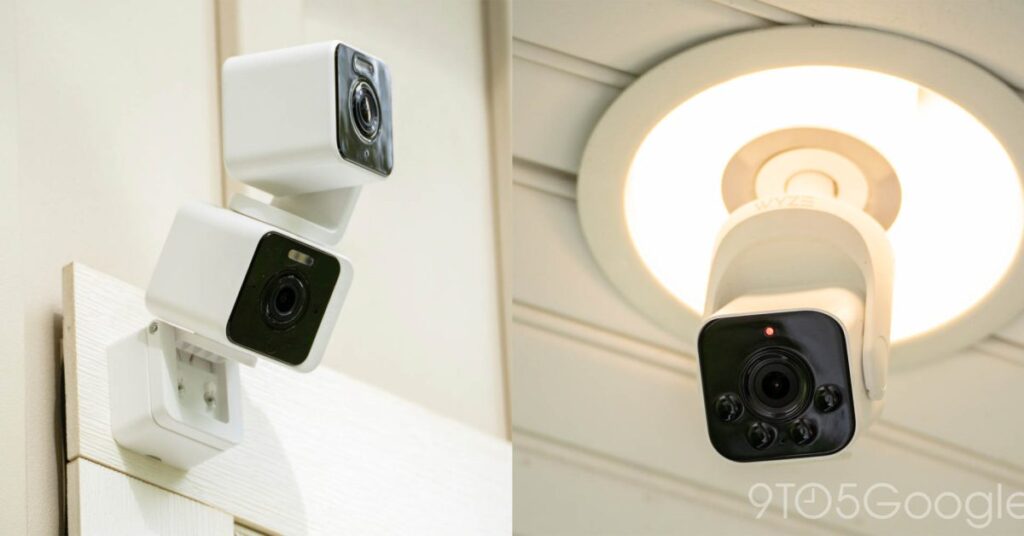

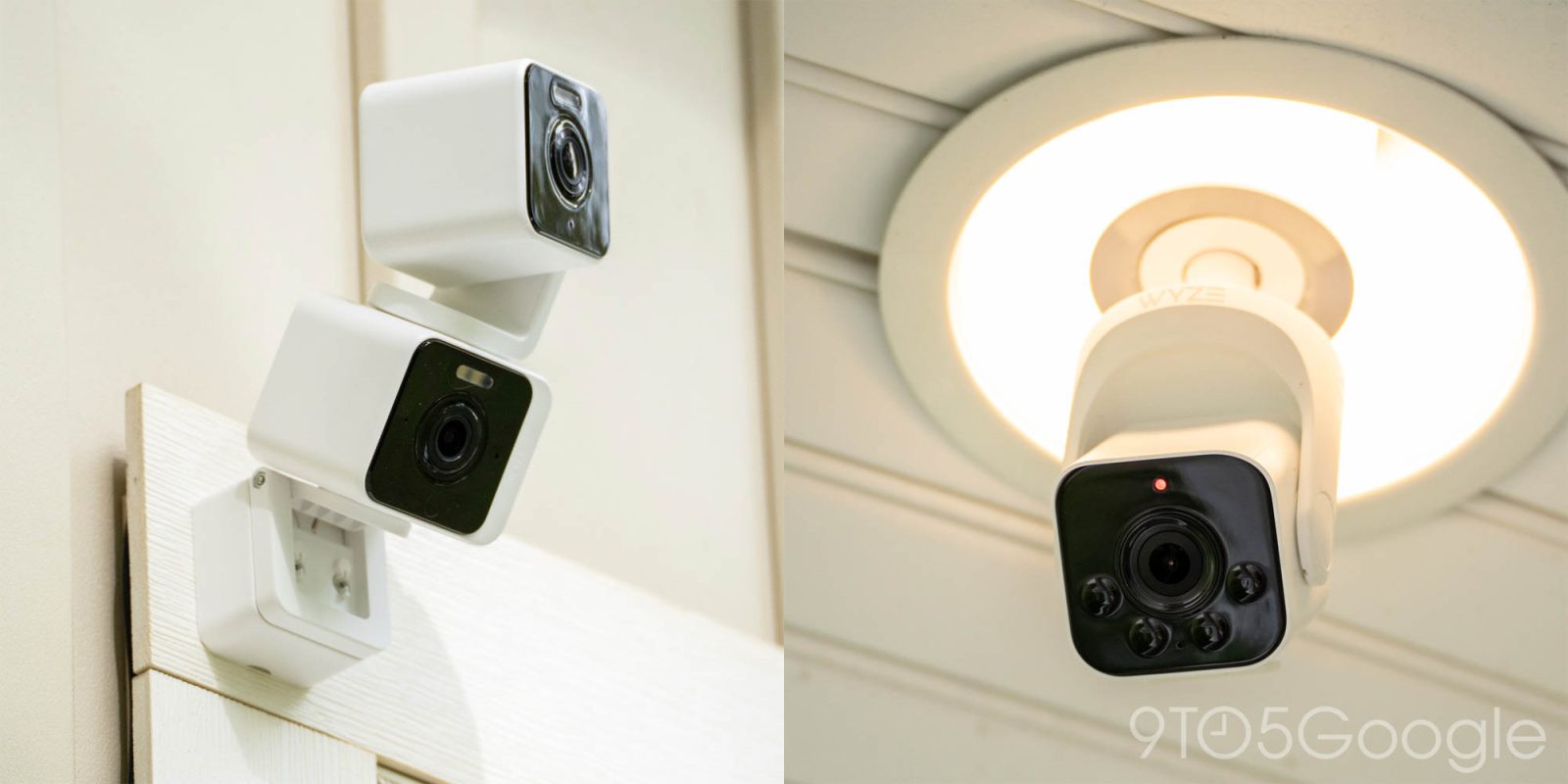
Home security cameras are commonplace at this point, but there’s something to be said about the ingenuity in the space. There’s a solution for every niche, and I think there are few better examples than the Wyze Bulb Cam and Wyze Duo Cam Pan I’ve been testing out as of late. They also serve as continued reminders of how much I wish Google would branch out a bit more.
Wyze Duo Cam Pan – Total coverage, minimal setup
Most security cameras are fixed in their position, which is why “pan” cameras have been relatively popular in recent years. But with the Wyze Duo Cam Pan, you’re not just getting a camera that moves.
The bottom half of this product is a fixed, wide-angle camera that provides a view of, well, whatever you point it at. From there, you get a second camera that can move around to track a subject or just give you a different angle. Depending on how you mount it, it can essentially deliver total coverage of an area – literally 360-degrees around and 180-degrees vertically – with no additional setup.
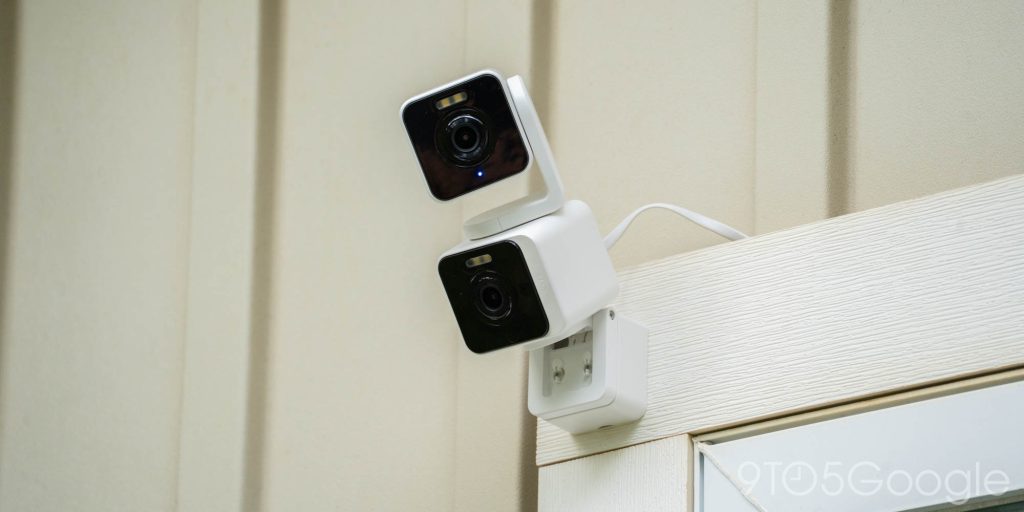
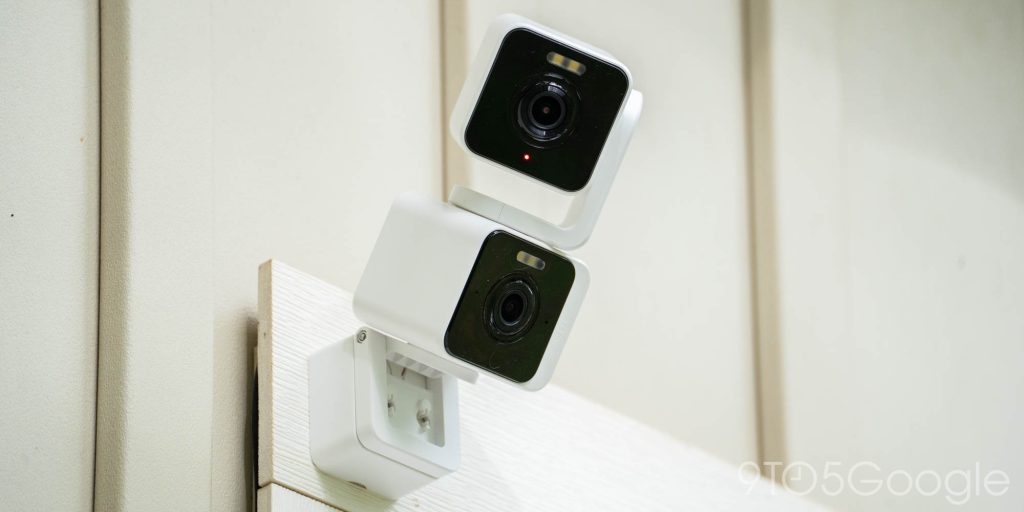
Why bother with two cameras at once? To me, the appeal of this is that it eliminates a blind spot. If a regular pan camera moves to track a subject but then ends up missing something that was originally in the frame, you’re out of luck. This solution ensures that you’ll always get a view of what’s most important, regardless of where the other camera moves to focus.
It works rather well, and this was also one of the rare cameras that I managed to see work in the Google Home app. In the Wyze app, the feed is split into two full frames, with controls available to manually move the pan camera. In the Home app, you get a simpler view of the fixed position with a small corner overlay to show the pan camera’s view.


Does the utility justify the cost? Absolutely.
At $70, this 2-in-1 is cheaper than buying two cameras on their own, all while delivering a simpler experience with less initial setup.
Wyze Bulb Cam – A simple solution to a common problem
The product I was a little more enamored with was the Wyze Bulb Cam, which really just delivers a dead simple solution to a common problem – power.
Running power to a camera is almost always a headache. Either you have to drill holes and get clever, or just have a cable sitting out in the open. The Wyze Bulb Cam solves this by just using an existing source of power, a light bulb socket.
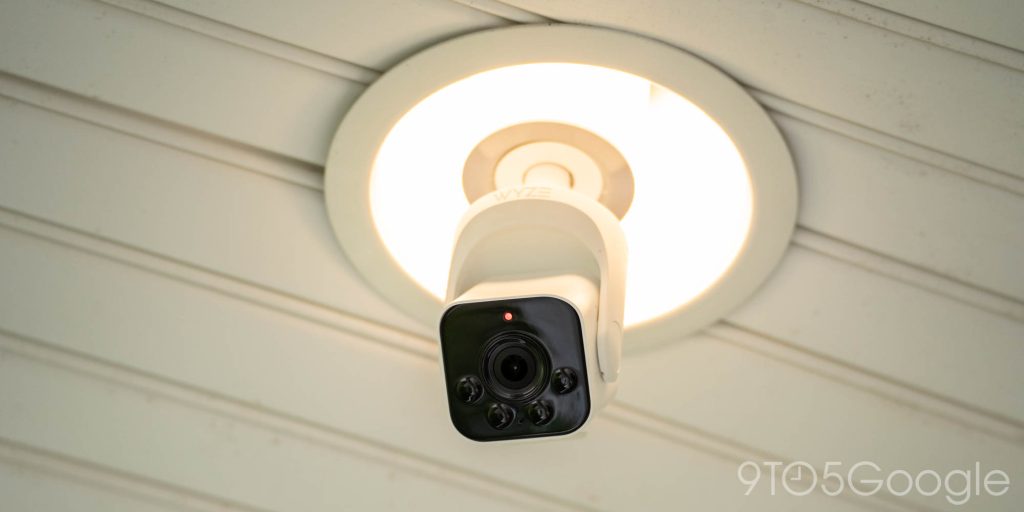

Setup here truly was dead simple. Remove light bulb, screw in Wyze Bulb Cam, turn on switch, connect in app. It takes moments, and the results are just excellent. You end up with a camera that is going to be at least somewhat well-positioned, but also does a decent job of hiding itself in plain sight.
In the recessed lighting of my…
Source link
Disclaimer
We strive to uphold the highest ethical standards in all of our reporting and coverage. We blogs.grocliq.com want to be transparent with our readers about any potential conflicts of interest that may arise in our work. It’s possible that some of the investors we feature may have connections to other businesses, including competitors or companies we write about. However, we want to assure our readers that this will not have any impact on the integrity or impartiality of our reporting. We are committed to delivering accurate, unbiased news and information to our audience, and we will continue to uphold our ethics and principles in all of our work. Thank you for your trust and support.
Website Upgradation is going on for any glitch kindly connect at [email protected]