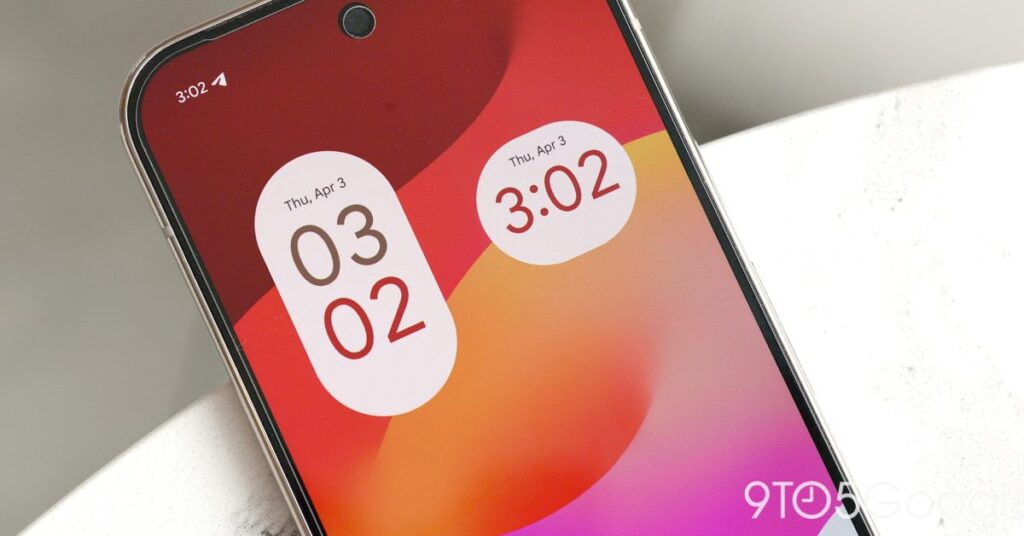

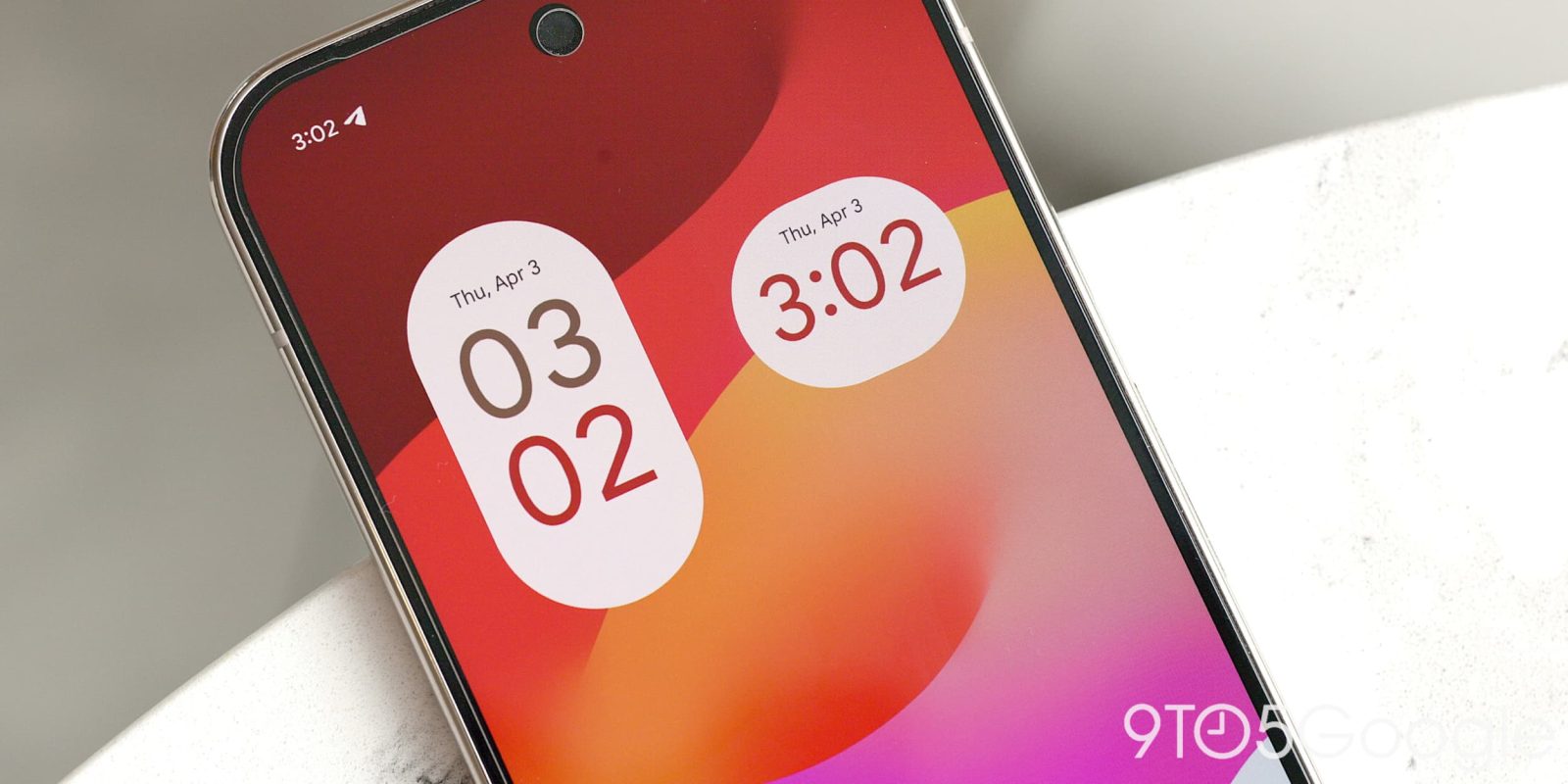
Following the Material 3 Expressive redesign in August, Google Clock 8.3 is rolling out with a solid background for alarms and other tweaks.
Update 11/13: Google Clock 8.3 is now widely rolling out. The Timer Starter widget remains exclusive to Pixel devices.
Original 10/27: Previously, the alarm screen showed the time, Snooze, and Stop buttons against your wallpaper. Version 8.3 reintroduces a solid background to aid visibility and enforce consistency in all conditions.
Old vs. new


Speaking of Alarms, a small tweak in overflow menu > Settings sees “Alarms” appear first in the list. “World Clock” is now in the second position to match the bottom bar order, while “Timers” and “Screen saver” round out the list.


Ahead of the upcoming Google Assistant deprecation on Android, Gemini’s predecessor is no longer referenced when you’re setting an alarm. “Google Assistant Routine” becomes “Routines” with a generic three-sparkle icon. (This is the same design as on Wear OS.)
Google Clock 8.3 is slowly rolling out via the Play Store. Google Calculator also sees an update (widely available) today, but the version number remains at 9.0 with no changes.


FTC: We use income earning auto affiliate links. More.
Source link
Disclaimer
We strive to uphold the highest ethical standards in all of our reporting and coverage. We blogs.grocliq.com want to be transparent with our readers about any potential conflicts of interest that may arise in our work. It’s possible that some of the investors we feature may have connections to other businesses, including competitors or companies we write about. However, we want to assure our readers that this will not have any impact on the integrity or impartiality of our reporting. We are committed to delivering accurate, unbiased news and information to our audience, and we will continue to uphold our ethics and principles in all of our work. Thank you for your trust and support.
Website Upgradation is going on for any glitch kindly connect at [email protected]