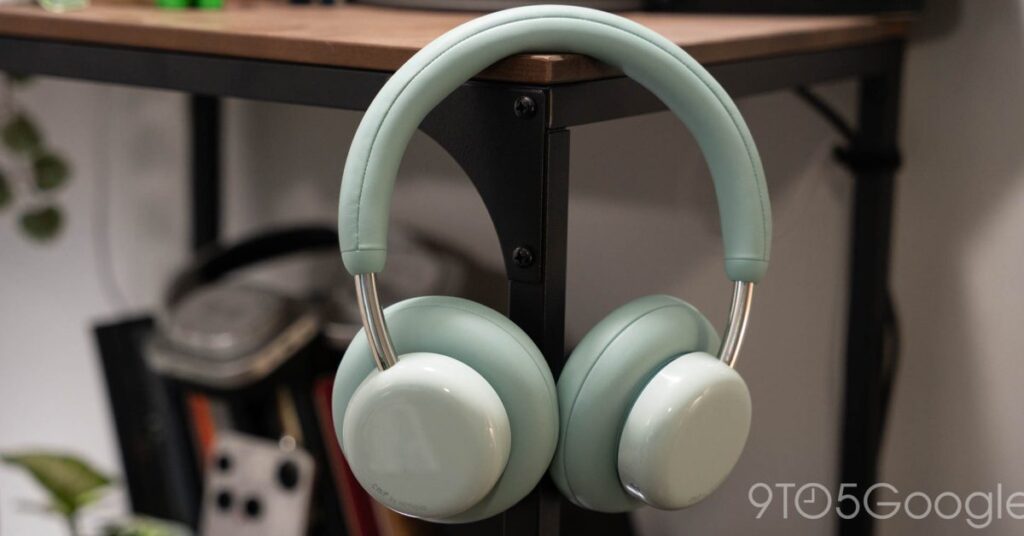

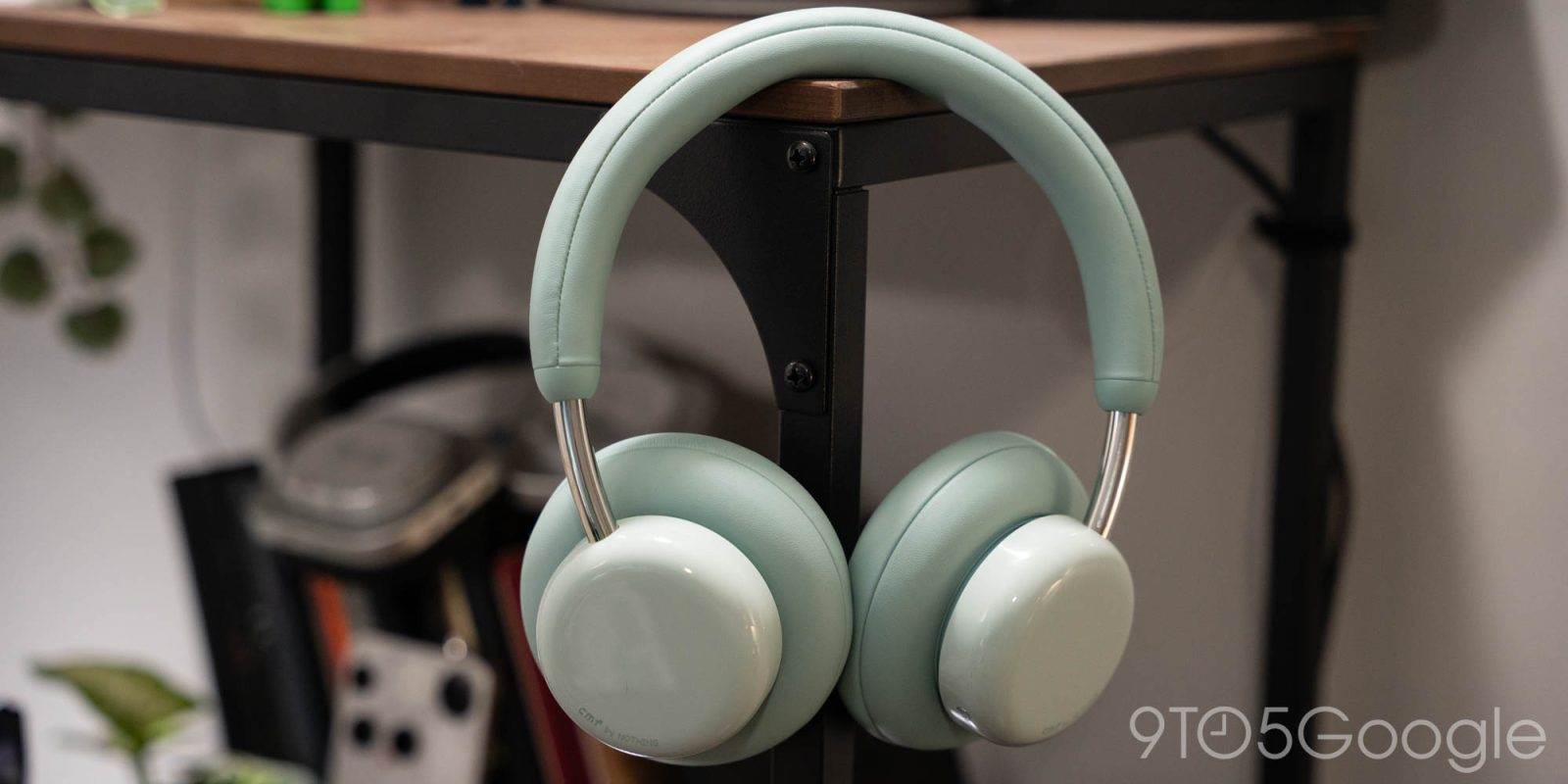
Nothing’s CMF sub-brand often takes the core pieces of a Nothing product and makes that more affordable and, well, colorful too. The new CMF Headphone Pro is no different, but what really stands out to me is that it doesn’t just have the good ideas from Nothing, but a few more of its own.
Taking a quick step back, Nothing Headphone (1) delivered a pretty solid option for active noise cancelling, over-ear headphones. At under $300, they delivered great features, good sound quality, among the best physical controls you’ll find anywhere, and a unique design while undercutting the competition. I wish they sound was a little closer to some older Nothing products, but there’s no denying they’re a really solid option.
Somehow, CMF Headphone Pro brings the best of Nothing Headphone (1) for a third of the price.
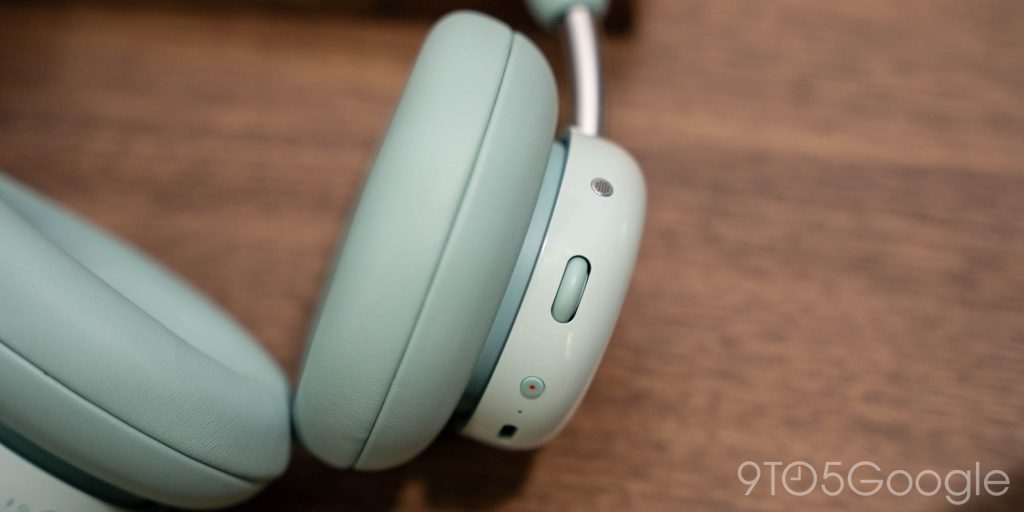
The story of CMF Headphone Pro starts with those physical controls, which feel familar after using Nothing’s over-ears. You get a scroll wheel that can handle volume, play/pause, and skipping tracks. It’s very intuitive, and I think the vertical scroll of CMF is even easier to use compared to the horizontal scroll on Nothing Headphone (1). There’s also a customizable button under that which can be used for things such as your voice assistant (Gemini, Siri, etc), controlling ANC, toggling spatial audio (which is just as bad here as it is everywhere else), or toggling the microphone.
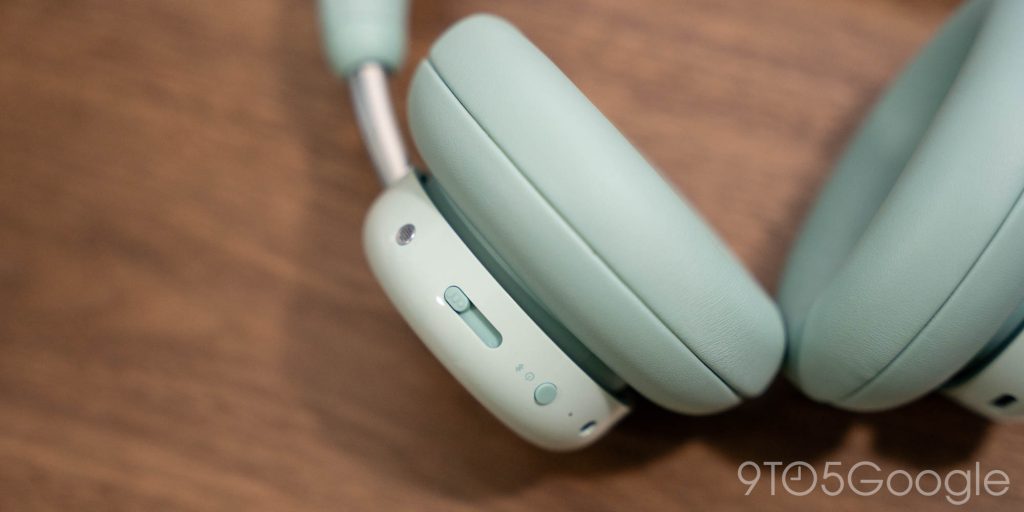
The opposite side has a power/pairing button and the “Energy Slider.”
That slider is the “big deal” on these headphones. By default, this slider is used to adjust the bass levels of your music on demand. Genuinely, it’s crazy this isn’t more common. Bass is a polarizing topic in audio. Some people love it, others don’t. Generally speaking, everything gives you some level of control over the amount of bass, but you have to dive into an app to adjust that. CMF Headphone Pro’s slider gives you control in real time with basically no effort or thought.
For me, this means I can adjust the levels to match the song I’m listening to. Heavy bass is rarely my preference, but there are certain songs where I like feeling that additional weight to the track. Most of the time, though, I’ve got the slider either all the way down, or just a little bit up. It can be very granular, and the difference between 0-100 is quite impactful. You can change the slider to control treble, but I’ve found that far less useful, or noticeable.


All of that customization is handled through the Nothing X app, which remains my gold standard for headphone controls.
Of course, we’ve got to talk about the sound. It’s… fine. There’s a noticeable dip in quality compared to the Nothing Headphone (1), but given the price difference, it’s completely acceptable. For sub-$100 over-ear headphones, they sound fantastic, and the ANC is also quite good…
Source link
Disclaimer
We strive to uphold the highest ethical standards in all of our reporting and coverage. We blogs.grocliq.com want to be transparent with our readers about any potential conflicts of interest that may arise in our work. It’s possible that some of the investors we feature may have connections to other businesses, including competitors or companies we write about. However, we want to assure our readers that this will not have any impact on the integrity or impartiality of our reporting. We are committed to delivering accurate, unbiased news and information to our audience, and we will continue to uphold our ethics and principles in all of our work. Thank you for your trust and support.
Website Upgradation is going on for any glitch kindly connect at [email protected]