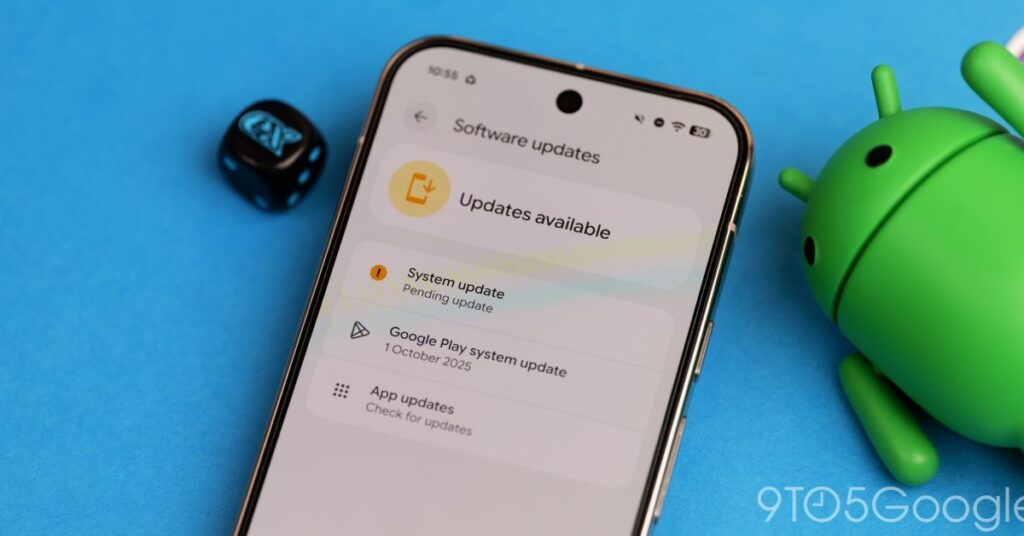


With the December 2025 security patch, Google is rolling out the stable Android 16 QPR2 update for the Pixel 6, 6 Pro, 6a, 7, 7 Pro, 7a, Tablet, Fold, 8, 8 Pro, 8a, 9, 9 Pro, 9 Pro XL, 9 Pro Fold, Pixel 10, Pixel 10 Pro, Pixel 10 Pro XL, and Pixel 10 Pro Fold.
In late 2024, Google announced that “Android will have more frequent SDK releases” to “drive faster innovation in apps and devices, with higher stability and polish for users and developers.” Android 16 saw its “major release” in June (which was moved up a quarter), and today’s 16 QPR2 update is the “minor release.”
In “moving from a single, yearly operating system update to more frequent releases,” Google says this is a “new chapter for how Android updates work,” and that users will now “get the latest features as soon as they’re ready.”

Android 16 QPR2 starts with lockscreen widgets that you access by swiping left for a new feed. (There’s also a small tweak where tapping the two-line clock makes it thicker and returns haptic feedback.) To enable, go to Settings > Display & touch > Lock screen > Widgets on lock screen. On the privacy front, Google notes how anyone can view them without unlocking, but you will need to authenticate before opening an app.
You can customize what appears here by long-pressing the screen. Tap a widget to remove or resize, while there’s “Add widgets” in the top-left corner where you’ll find an updated picker with “Featured” and “Browse” tabs.
After introducing AI message summaries last month, Android 16 QPR2 introduces a notification organizer that groups lower-priority alerts into categories like “News,” “Promotions,” and “Social Alerts” at the bottom of the shade. When minimized, you see the app icons stacked at the right.
Go to Wallpaper & style > Icons for custom icon shapes. The circle is joined by a rounded square and three other options that apply to just your homescreen. This behavior matches Themed icons, with Android 16 QPR2 now generating them for every app.
When long-pressing an app icon, the menu adds “Remove” and ‘plus’ buttons to quickly add shortcuts to your homescreen.
A small tweak to the Pixel Launcher search bar makes the microphone, Lens, and AI Mode icons a bit larger, with Dynamic Color much more vibrant here.
Live Caption has been added to the bottom of the volume slider instead of having to open the full sheet. Disabling the “Live Caption in volume control” setting will remove it from both places.


There’s more Material 3 Expressive in the Settings app, including Notification history (with full app icons and a new card shape) and Security & privacy (again). Additionally:
- “Parental controls” has been split off from “Digital Wellbeing” in Settings. This lets you limit screen and app time, set…
Source link
Disclaimer
We strive to uphold the highest ethical standards in all of our reporting and coverage. We blogs.grocliq.com want to be transparent with our readers about any potential conflicts of interest that may arise in our work. It’s possible that some of the investors we feature may have connections to other businesses, including competitors or companies we write about. However, we want to assure our readers that this will not have any impact on the integrity or impartiality of our reporting. We are committed to delivering accurate, unbiased news and information to our audience, and we will continue to uphold our ethics and principles in all of our work. Thank you for your trust and support.
Website Upgradation is going on for any glitch kindly connect at [email protected]