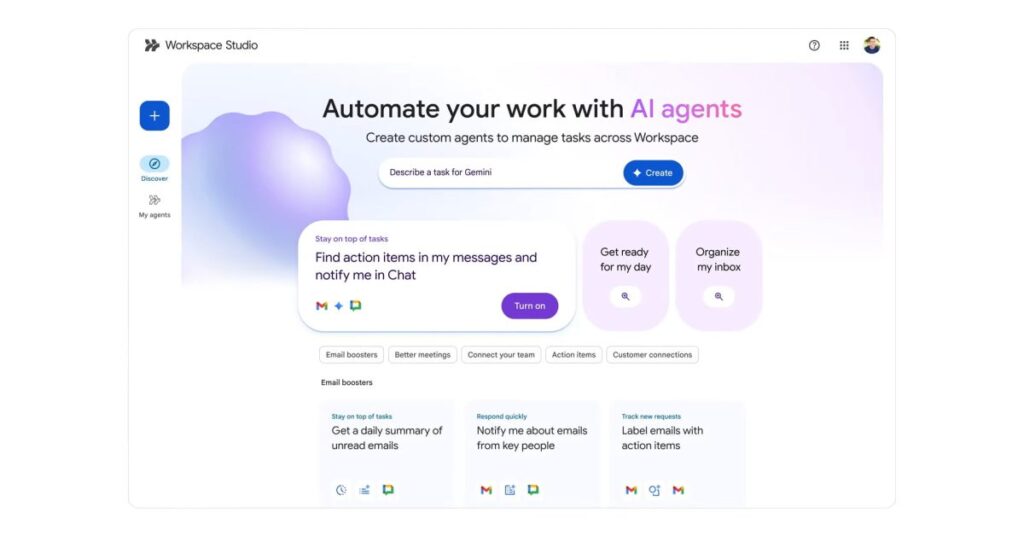

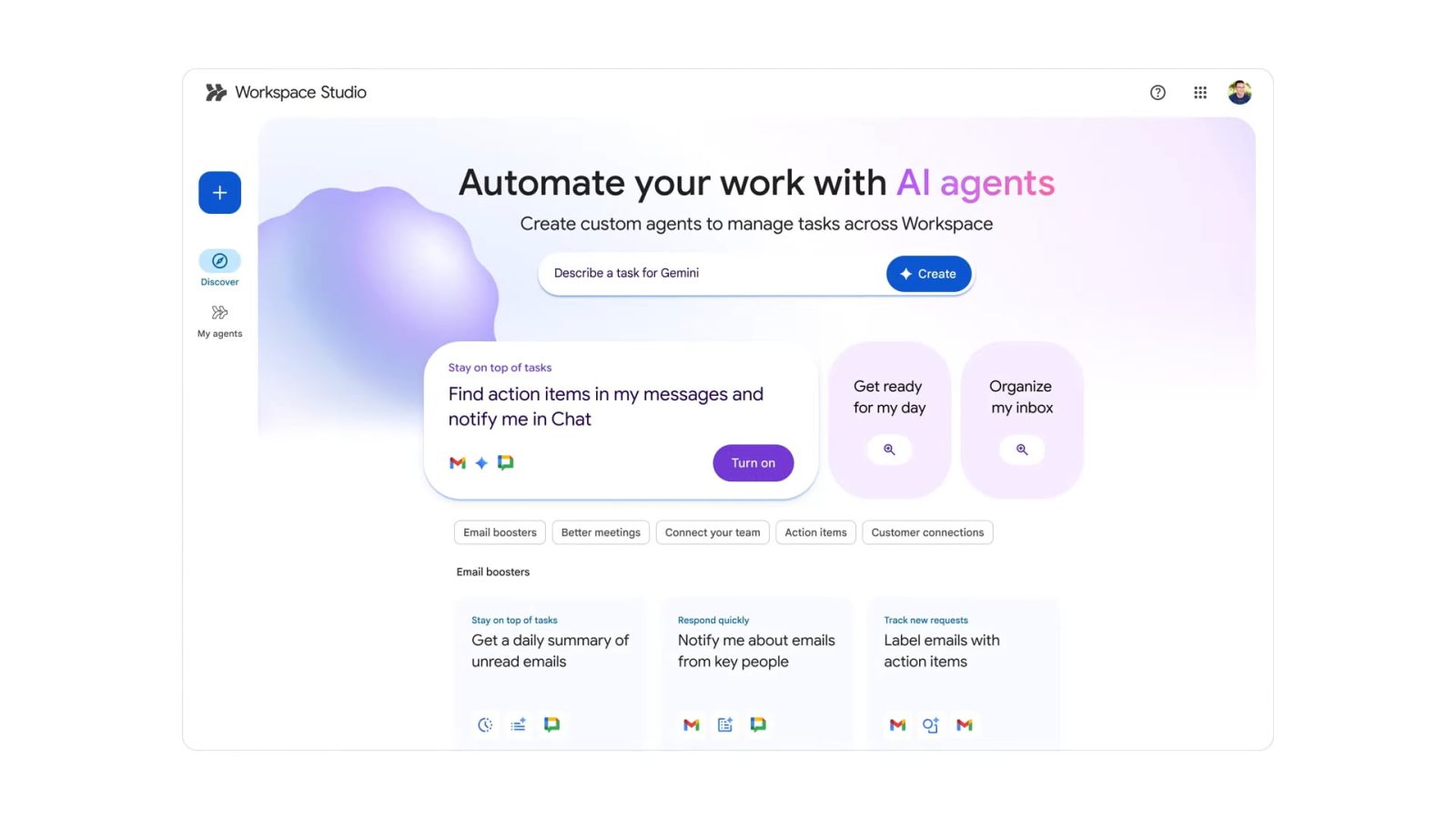
After teasing at I/O 2024 and announcing this April, Google today is launching Workspace Studio as a new automation tool that lets you “design, manage, and share AI agents” powered by Gemini 3’s multimodal understanding.
Previously known as Workspace Flows, Workspace Studio basically follows the “if this, then that” model of automation with full integration across Gmail, Chat, Drive, and other Google productivity apps. (You can also connect to Asana, Jira, Mailchimp, and Salesforce.)
With Workspace Studio, you can build agents in minutes to automate everyday work, from simple tasks to complex workflows — no coding or specialized syntax required.
This includes a shortcut (double arrow icon) in the top-right corner of every web app next to Gemini. There are tabs for Discover, My agents, and Activity.
You create Agents backed by Gemini’s reasoning, context understanding, and generative capabilities, with Google noting a move away from “simple, rule-based automation.”
Agents can reason through problems and adapt to new information
This allows for sentiment analysis, content generation, intelligent prioritization, smart notifications, and more. Prompts can be given in plain language.
Prompt: “If an email contains a question for me, label the email as ‘To respond’ and ping me in Chat.”
Studio builds this agent instantly, utilizing Gemini 3 to decide which incoming emails contain questions. It can go even further — extracting crucial details like action items, invoice numbers from the emails and their attachments. And since collaboration is at the heart of Workspace, you can share your agents with your team as easily as you share files in Google Drive.
There are three components to Agents. Starters, or what triggers the automation, can be a time/date or receiving an email, including only those from specific people. You can then specify several Steps that the Agent should perform, like draft a reply, adding to a document, or extracting information. Each Step can have Variables, or “dynamic placeholders for information,” that the Agent can use later on. This can be “Gemini’s response to your prompt, the sender of the message that started the agent, a form response, and more.”
Google wants to put “custom agent creation in the hands of every employee” by “removing the friction of coding and making it easy for anyone to design agents that automate their unique business processes in minutes.”
At Cloud Next 2025, the tool entered alpha testing for enterprise customers. Over the coming weeks, it will be available for:
- Business Starter, Standard, and Plus
- Enterprise Starter, Standard, and Plus
- Education Fundamentals, Standard, and Plus
- Google AI Pro for…
Source link
Disclaimer
We strive to uphold the highest ethical standards in all of our reporting and coverage. We blogs.grocliq.com want to be transparent with our readers about any potential conflicts of interest that may arise in our work. It’s possible that some of the investors we feature may have connections to other businesses, including competitors or companies we write about. However, we want to assure our readers that this will not have any impact on the integrity or impartiality of our reporting. We are committed to delivering accurate, unbiased news and information to our audience, and we will continue to uphold our ethics and principles in all of our work. Thank you for your trust and support.
Website Upgradation is going on for any glitch kindly connect at [email protected]