
Don’t ask us why, but some Android phones do not come with the best features enabled out of the box.
This is not for the hardcore Android fan, but sometimes we all forget to enable things when setting up a new phone or restoring an existing phone. I know that I always forget a few things and then get annoyed when things aren’t there or working as I expected, having made the switch to a new phone or even an old favorite.
Some of these functions may be limited to specific hardware or have different names. We’ll try our best to translate or customize for each major device maker where possible.
Notification history
One of the most useful features added to Android over five years ago still isn’t enabled by default on most phones. Notification history is great because it means if you missed something by accidentally swiping away or dismissing, you can scroll back and find out who or what sent you the device ping.
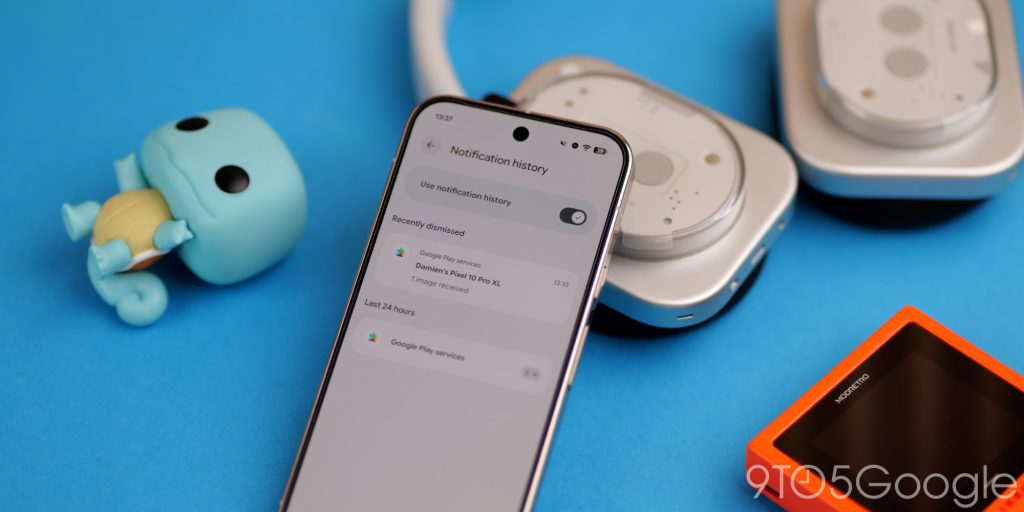
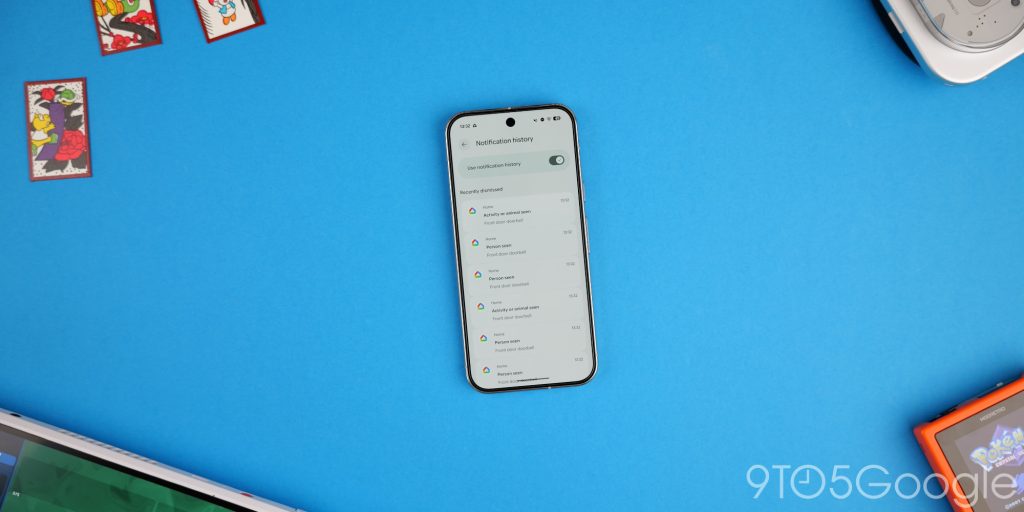
When we have so many apps vying for our attention, it’s nice to at least be able to see something you might have missed or skipped accidentally. You can’t go back and view missed notifications prior to this feature being enabled, so make sure you do it right away.
Find Hub
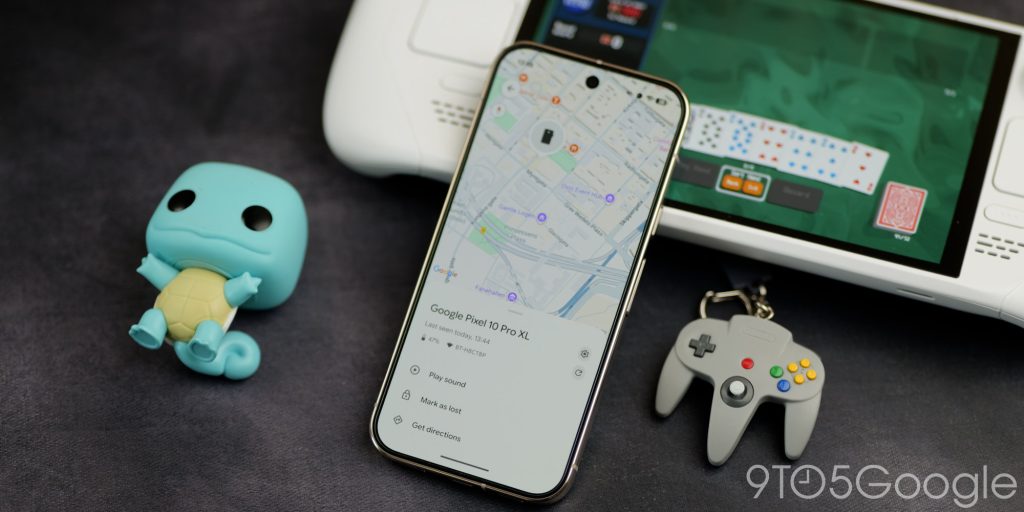
Google does not set up the Android version of Find My Device on your phone by default. No, you have to go in and manually set this up by signing in to your account and activating. Otherwise, if you misplace your phone, you might not be able to track it, ping it, or lock it remotely.
This app also lets you track other accessories like earbuds, headphones, and tracker tags. It’s super useful as you can do things like ping your phone if you misplace it. Just make sure that you do this as soon as you set up your phone. If you have set up your phone, do it now. You can’t do it later if you do lose your phone.
Theft Detection
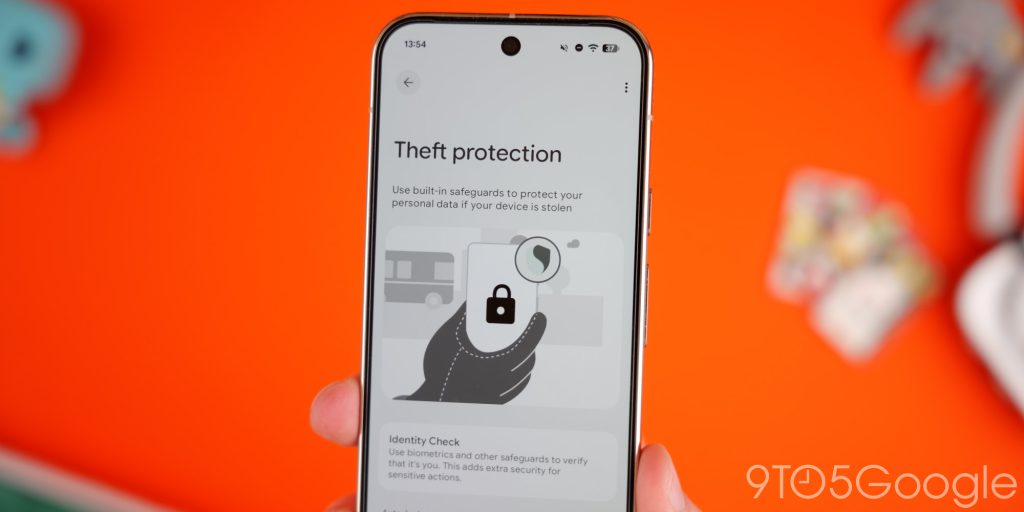
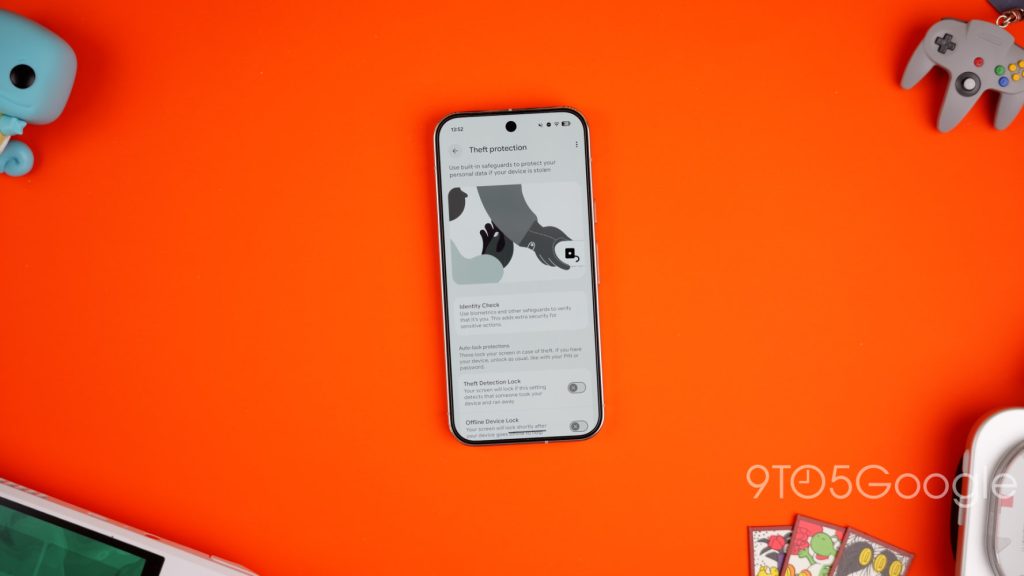
God forbid you ever lose your phone or break it, but having your phone stolen is not only traumatic, but it’s also stressful worrying about what sensitive data might be accessible to the would-be thieves. You should 100% enable Theft detection on your phone as soon as you’re able – preferably right after setting up.
The suite includes lots of little things that ensure people can’t snoop, even if they get access past your lockscreen. Offline Device lock being one of the best as it’ll lock your phone as soon as you lose connection to the internet or lose signal. Remote lock is another thing you should enable right away, too. In tandem with Find Hub, you can track your phone and wipe it if you are really concerned about your data.
Flip to Shh
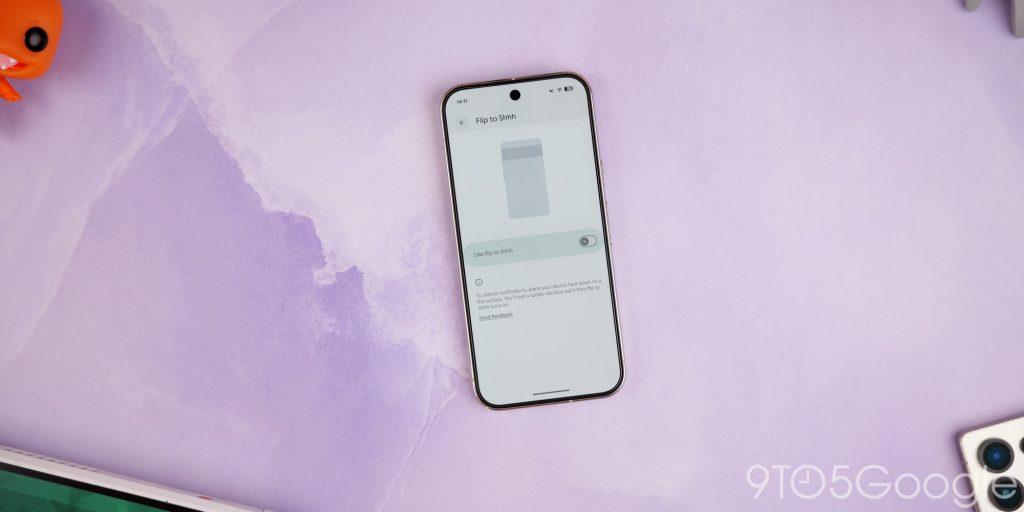
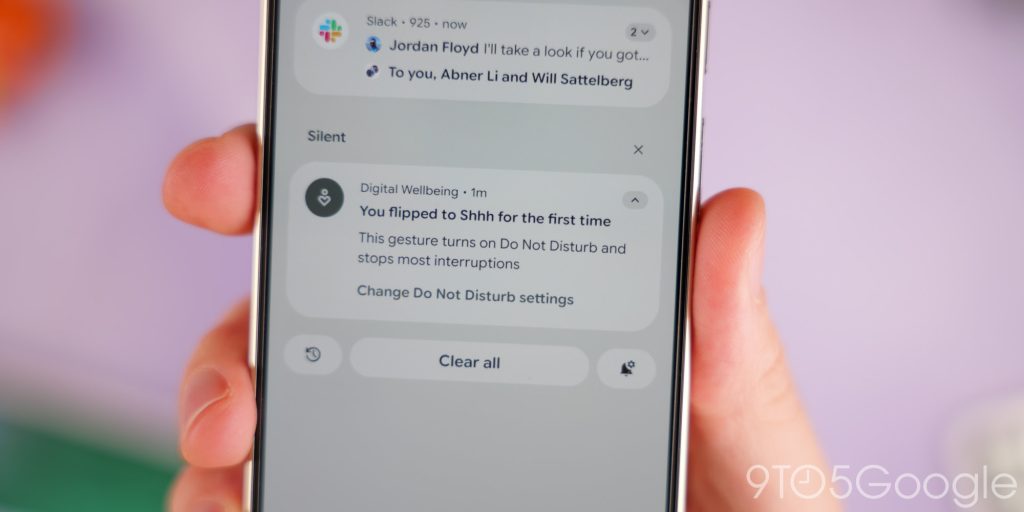
Flip to Shh is one of those underrated features you don’t realize you need until you don’t…
Source link
Disclaimer
We strive to uphold the highest ethical standards in all of our reporting and coverage. We blogs.grocliq.com want to be transparent with our readers about any potential conflicts of interest that may arise in our work. It’s possible that some of the investors we feature may have connections to other businesses, including competitors or companies we write about. However, we want to assure our readers that this will not have any impact on the integrity or impartiality of our reporting. We are committed to delivering accurate, unbiased news and information to our audience, and we will continue to uphold our ethics and principles in all of our work. Thank you for your trust and support.
Website Upgradation is going on for any glitch kindly connect at [email protected]