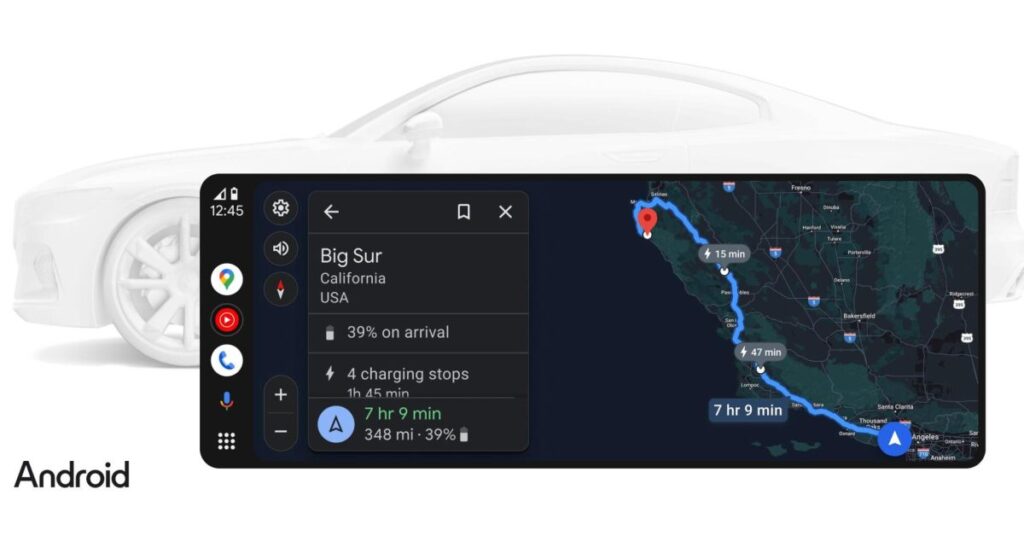

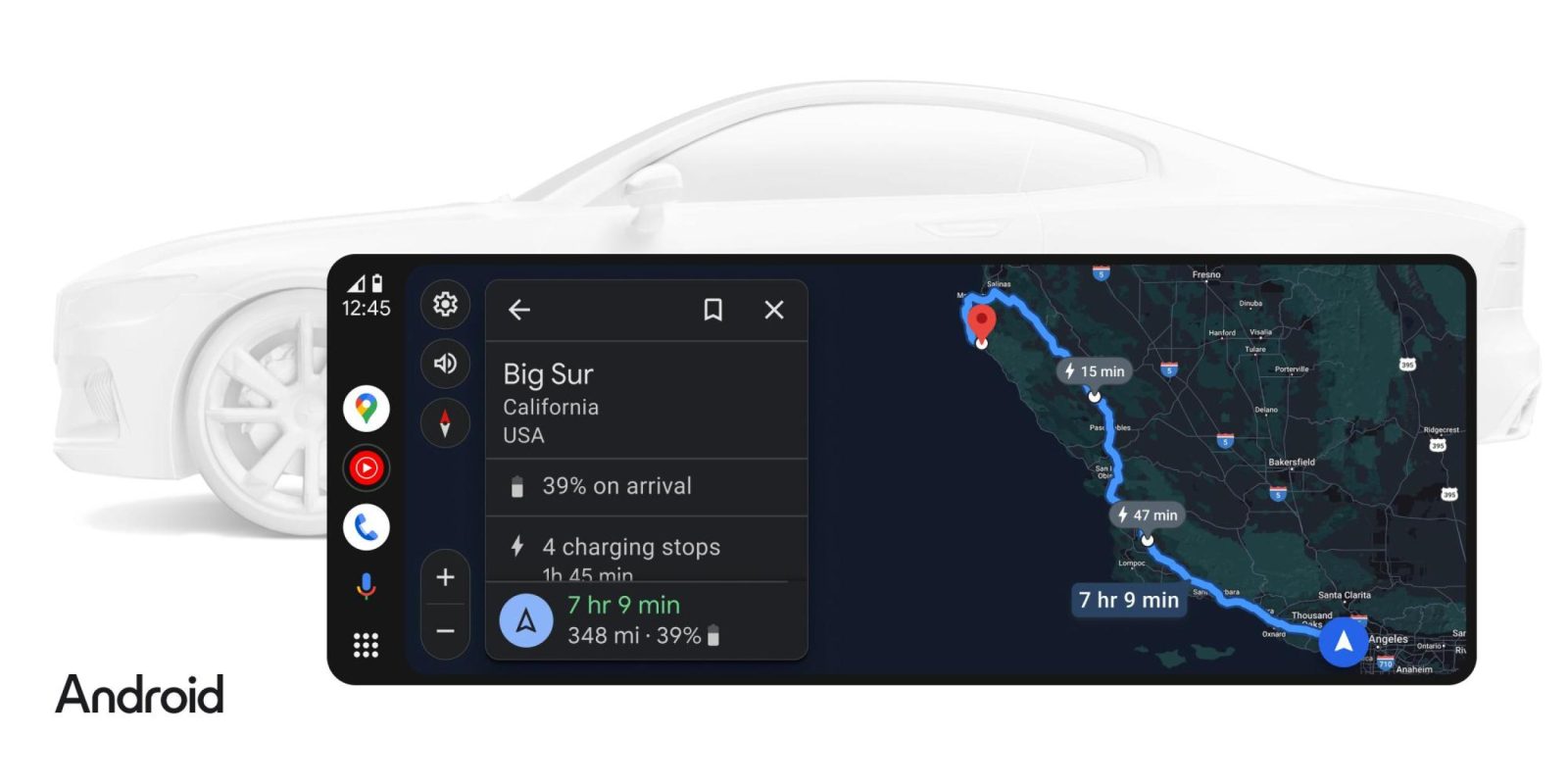
Google Maps for Android Auto is picking up some new features for EV owners, with new filters in the works for charging speed and payment method when you’re searching for a charging station.
As it stands today, Android Auto allows EV owners to start a search for a nearby charging station and access filters for factors such as charging speed, but the filters need to be applied on each search. The filters only appear when actively searching for a charging station.

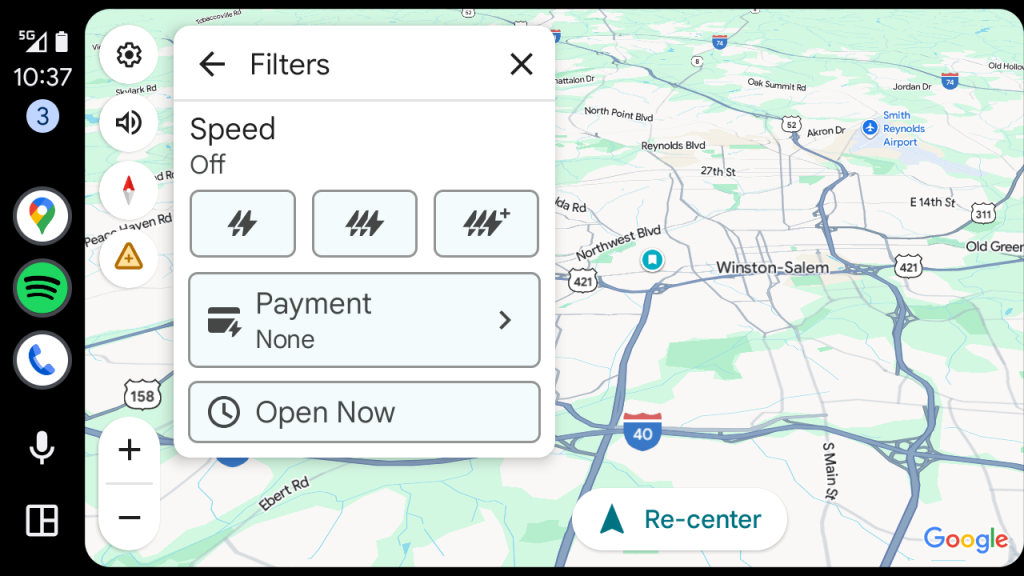
With new updates, Google is working to streamline this process.
In the current Android Auto 15.7.654604 beta release, we’re seeing a new “EV payment filters” setting that allows drivers to set their preferred charging station payment methods before searching. The menu includes filters for the following charging payment methods:
- EVgo
- ChargePoint
- Blink Network
- ChargeHub Passport
- AmpUp
- BP Pulse
- DKV Card + Charge
- E.ON Drive
- Electric Circuit
- Electrify America
- etron Charging Service
- EV Connect
- EVCS App
- EWE Go
- FLO
- Mobiflow
- MoveMove
- Northe
- Octopus Electroverse
- OVO Energy
- Pass+
- Plugsurfing
- Shell Recharge
- Smoov
- Supercharge (non-Tesla)
- Travelcard
- Virta
- Zap-Pay
The list is ordered in two sections. There’s a “Common” section with “the five options that appear most frequently” in your country on Google Maps, and then an “Other” section that lists all available options in your country.
This is readily available in the latest Android Auto update as long as EV settings are enabled for Google Maps through the Android Auto settings menu. But, as Android Auto 15.7 is still in beta, you might have to wait a bit longer to use it in your vehicle.
Google is also working on a persistent filter for EV charging stations by speed through Google Maps settings, rather than requiring it to be set manually on each new search. This isn’t live in the latest update, but the folks at Android Authority were able to manually turn it on. Drivers will be able to choose charging stations with speeds including “Slow charge” (up to 49kW) or “Quick charge” (50kW or higher) while also having granular control of the specific charging speed in increments of “Up to 9kW,” “10 to 49kW,” “50 to 149kW,” “150 to 349kW,” and “350kW and faster.” Drivers can apparently select more than one option.
Notably, the same publication also found that Android Auto is preparing an updated taskbar that removes the time and condenses all icons to the middle of the taskbar. We suspect this one might be in very early days and unfinished, but we’ll have to wait and see. AndroidSage found an updated view for the upcoming widget support, but that’s also still in early days.
More on Android…
Source link
Disclaimer
We strive to uphold the highest ethical standards in all of our reporting and coverage. We blogs.grocliq.com want to be transparent with our readers about any potential conflicts of interest that may arise in our work. It’s possible that some of the investors we feature may have connections to other businesses, including competitors or companies we write about. However, we want to assure our readers that this will not have any impact on the integrity or impartiality of our reporting. We are committed to delivering accurate, unbiased news and information to our audience, and we will continue to uphold our ethics and principles in all of our work. Thank you for your trust and support.
Website Upgradation is going on for any glitch kindly connect at [email protected]