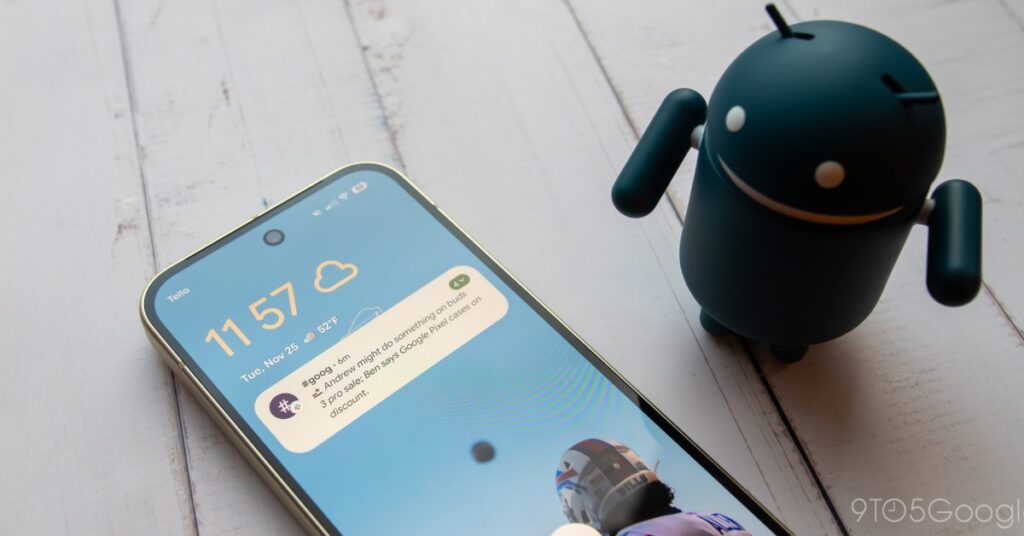

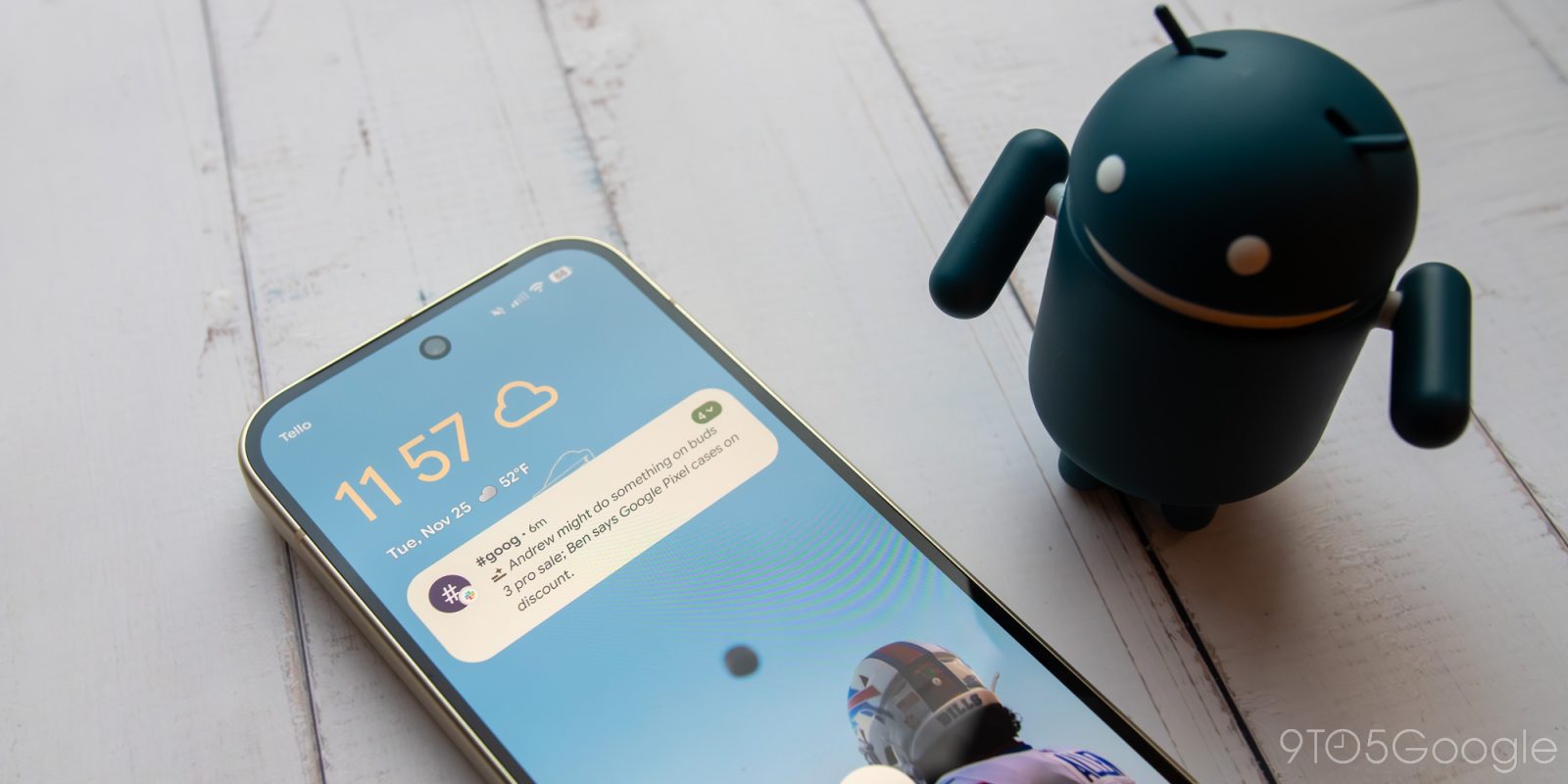
This latest Pixel drop brought one of my biggest fears to Android: notification summaries. It’s something Apple botched in iOS 18 last year, and something I didn’t feel like Android needed given its top-tier notification management. After a week with the feature, though, I’m of two minds. Google is definitely doing this the “right” way, but does that mean I’m likely to leave this tool enabled for weeks to come? Unfortunately, not quite.
Let’s start with the good. In many ways, Google has clearly learned from a year’s worth of bad press scattered around Apple’s implementation of this feature. That’s an interesting case study; Apple tends to be the company that is “late” to the party, with the excuse that any time it is late to something, it gets it right on the first try. That was absolutely untrue with notification summaries, given their general bugginess, inaccuracies that bounced between hilarious and horrifying, and months of missing support for news apps after too many embarrassing slip ups.
Google, instead, is going for a far more manageable route. Notification summaries on Android are meant to only work with messaging apps in their current iteration. This support is fairly widespread — every messaging app installed on my Pixel 10 supports it — so if you’re interested in this tool, you know you’re going to get to use it no matter where you’re chatting from. It’s also focused on just summarizing group chats and long messages, so in theory, it’s only working when a summary would actually benefit you.
Of the summaries I’ve seen over the past week, most of them have been pretty accurate, correctly taking the language within any given notification and properly summing it up in a quickly digestible card. These notifications are clearly delineated as an AI-powered summary — full italics support a la Apple, along with AI’s tell-tale sparkle emoji. Because you’re only summarizing incoming messages, I think this is pretty vital to the feature’s success. If it’s going to be scattered among normal, non-AI alerts, it has to be obvious.

Crucially, it also keeps things in first-person — at least, most of the time. A seasonally-appropriate text from my fiancée alerting me that the pie she’s baking will be done in the next hour, should I want her to run to the store, was correctly summarized and kept her use of “I,” meaning the alert still felt fairly personable. That’s a far cry from the third-person all-observant tone Apple’s notification summaries used in my experience, which felt cold and separate from the actual friend or loved one I was speaking with. It’s a good way to keep things human, which, above all else, is one of my biggest pet peeves with my AI experience to date.
Unfortunately, while Google has fixed plenty of the notification summary issues I found on iOS, it has failed to find an actual reason…
Source link
Disclaimer
We strive to uphold the highest ethical standards in all of our reporting and coverage. We blogs.grocliq.com want to be transparent with our readers about any potential conflicts of interest that may arise in our work. It’s possible that some of the investors we feature may have connections to other businesses, including competitors or companies we write about. However, we want to assure our readers that this will not have any impact on the integrity or impartiality of our reporting. We are committed to delivering accurate, unbiased news and information to our audience, and we will continue to uphold our ethics and principles in all of our work. Thank you for your trust and support.
Website Upgradation is going on for any glitch kindly connect at [email protected]