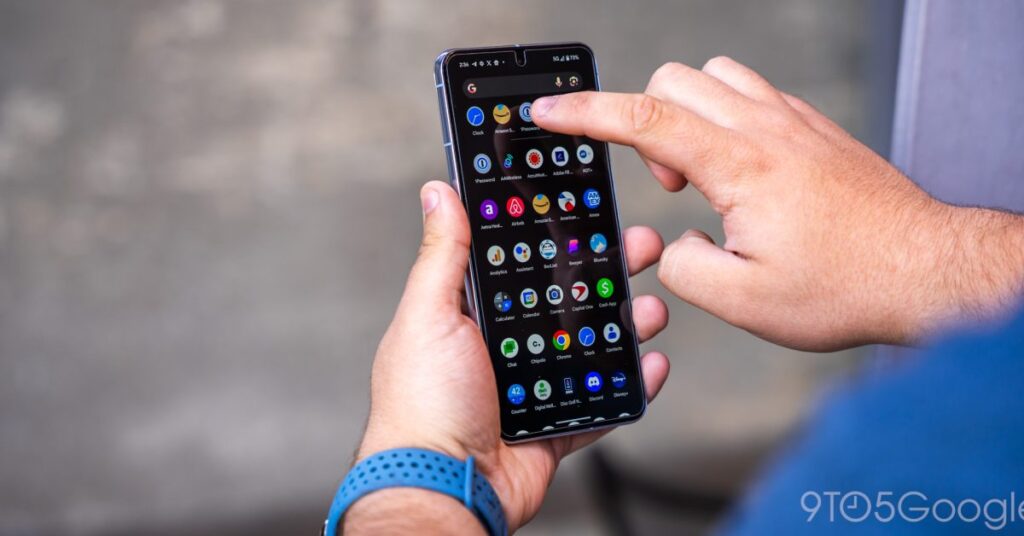

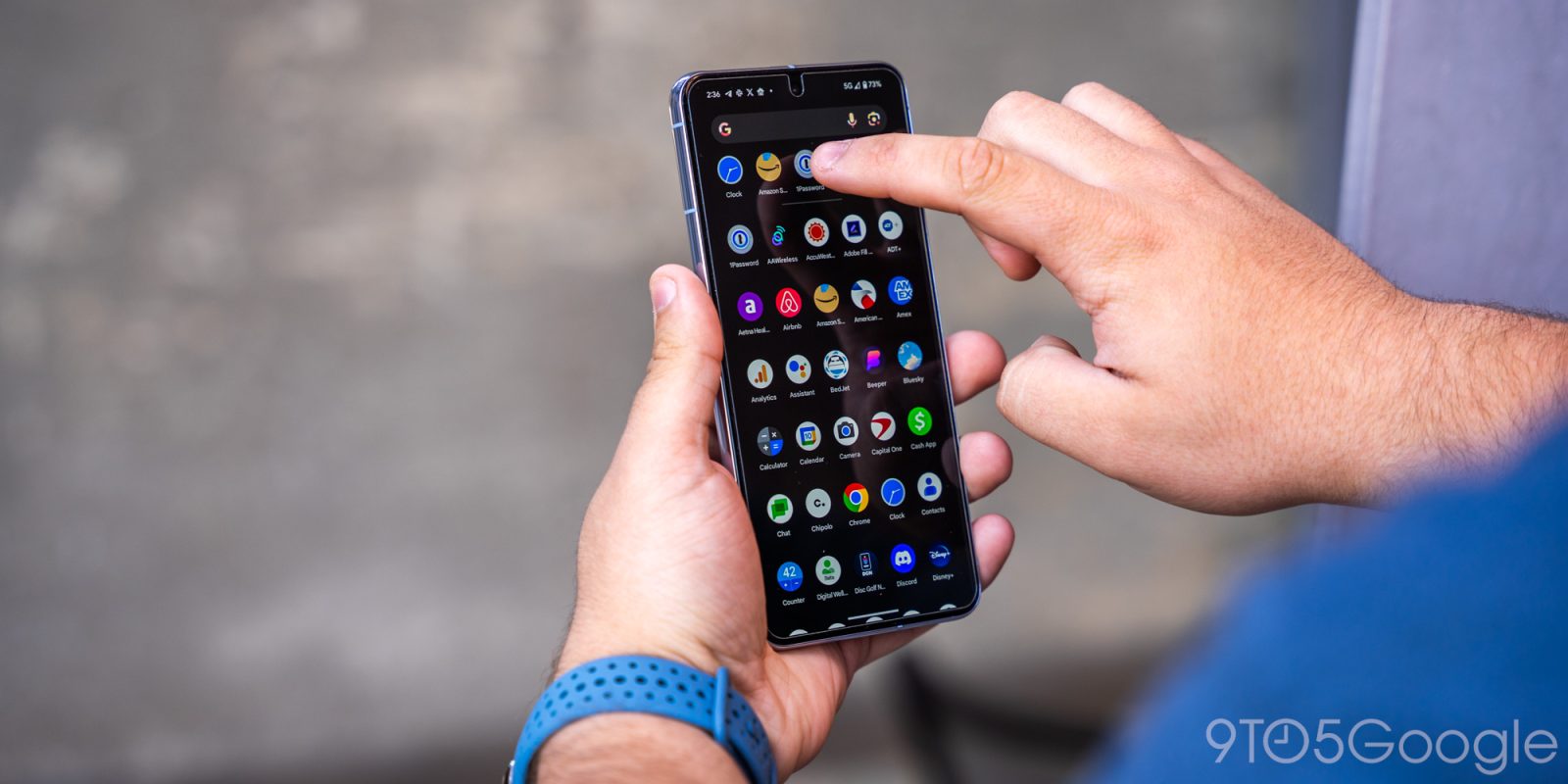
Just got a new Android smartphone for the holidays? If it’s your first one, it could be a little intimidating, so to get you started, here are a few apps you should immediately install or set up on a new Android device. Alternatively, if you’re not already using these apps, it might be time to give them a shot!
Use a password manager!!
We all have a ton of online accounts, and the best way to both manage and protect that data is with a password manager. Password managers usually work by encrypting your data behind a “Master Password” or some other means while allowing you to organize that data by the site it works with or in folders.
Using a password manager is one of the most important but also one of the easiest ways to enhance your online security. By using one of these, not only will you not lose or forget your passwords, but you’ll be able to use stronger passwords since you don’t need to be able to remember them by memory.
One of our favorite password managers is 1Password, with affordable pricing, excellent security that uses both a master password and a “Secret Key,” and an easy-to-use app.
DashLane works similarly but also has an option to automatically change your passwords for you and some free functionality, too. If you really need a completely free option, though, Bitwarden is a great option. ProtonPass is a newer option that also integrates with ProtonMail, a secure email client. It also includes a neat feature where you can create email address aliases to avoid spam. The password manager itself is free, but some of the features require a subscription. LastPass isn’t our first recommendation due to some security incidents in recent years and adjustments that make the free tier a hassle to use, but it’s still better than nothing.
And of course, Google has its own password manager built into Android phones and the Chrome browser. It works pretty well! The only downside is that it’s usually good to separate your password manager from your crucial online accounts, Google absolutely being one of those, but this is again way better than doing nothing.
Up your messaging game
Google Messages (RCS)
In the US, at least, messaging has traditionally been a sore point of Android smartphones. Thankfully, Google has been hard at work trying to fix that in recent months, and now, the solution known as RCS (Rich Communication Services) is available to every Android smartphone in the world at this point.
How can you get RCS on your device, and more importantly, what’s the benefit? The benefit, firstly, is that RCS is much more capable than SMS/MMS. Pictures can be sent in higher quality, typing indicators, and more all arrive with RCS. Group chats also get a huge upgrade too. On top of that, RCS chats are now encrypted to offer better security.
Basically, RCS is like Apple’s iMessage, but for Android phones.
And, as of…
Source link
Disclaimer
We strive to uphold the highest ethical standards in all of our reporting and coverage. We blogs.grocliq.com want to be transparent with our readers about any potential conflicts of interest that may arise in our work. It’s possible that some of the investors we feature may have connections to other businesses, including competitors or companies we write about. However, we want to assure our readers that this will not have any impact on the integrity or impartiality of our reporting. We are committed to delivering accurate, unbiased news and information to our audience, and we will continue to uphold our ethics and principles in all of our work. Thank you for your trust and support.
Website Upgradation is going on for any glitch kindly connect at [email protected]