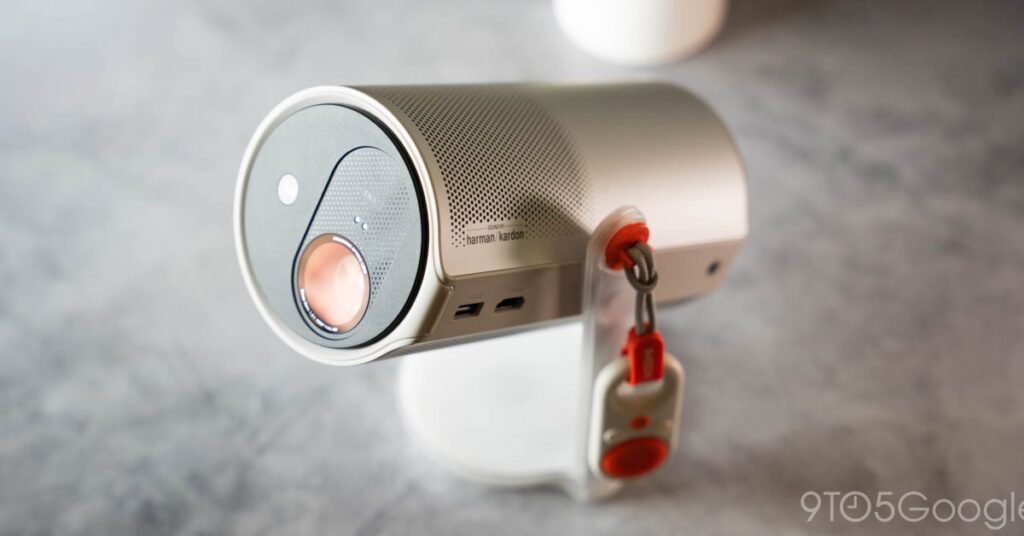

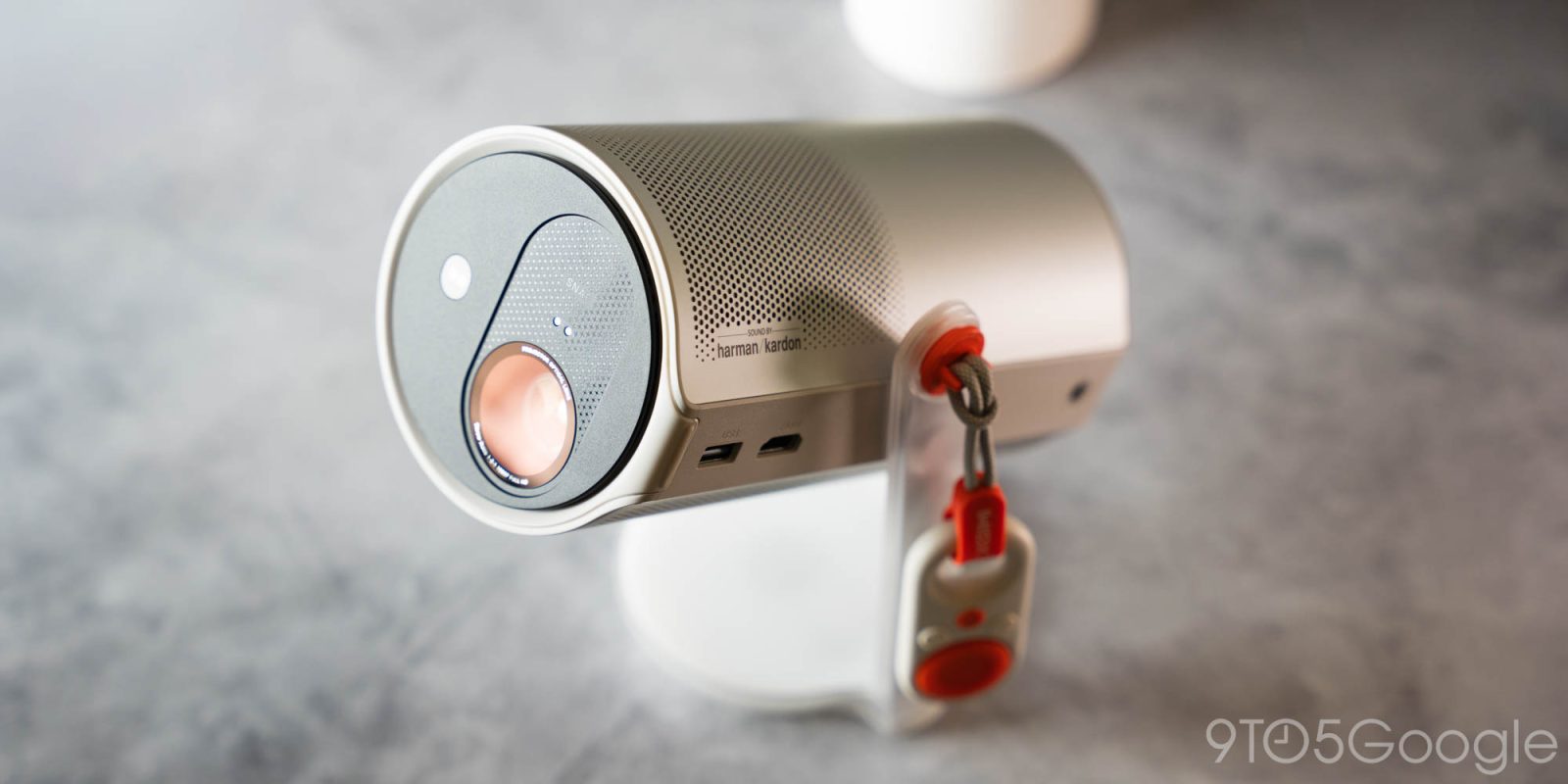
Not every use case for a projector consists of an unchanging environment and constant access to power. Xgimi’s battery-powered Mogo 4 thrives on change, and it packs almost enough power to keep up.
Xgimi has built up a strong reputation over the course of several years, leading with some solid in-home projectors that come in at reasonable price points. The Mogo 4 aims to build on that. Really, it’s trying to build on the Mogo 3, which was a similarly portable projector with limiting flaws.
The design is one of the best parts about the Mogo 4. It’s unassuming but turns into something that gets a reaction out of others when they see it for the first time. The new edition looks like a Bluetooth speaker at first glance.
Pulling up on it reveals the projector lens, which now rotates 360 degrees, rather than just short of that in the previous generation model. This essentially allows the Mogo 4 to be placed anywhere. It can point up at ceilings and from weird angles all becuase of Xgimi’s software and hardware design.
Like most of the company’s projectors, Xgimi’s Mogo 4 has auto keystone correction and automatic focusing. Point it at a wall from a 60-degree angle, and it will do a pretty good job of squaring the image up. Move it closer, and the automatic focus adjustment will clear the image up in a couple of seconds.
I found myself going in and adjusting the keystone correction a couple of times manually. Xgimi does a good job of programming its projectors to calculate angles and set up an even image, but it’s not perfect. Still, if you’re moving the projector around as much as is allowed with the Mogo 4, it might not matter to you. Even if it does, keystone correction takes little time to set manually.
That can be done by the included remote, which is one of two that come with the Mogo 4. There’s one traditional Google TV remote that allows for more advanced navigation, and there’s a more mobile-friendly basic remote that only offers a small set of buttons. It uses the IR sensor built into the Mogo 4, unlike the Bluetooth remote, which can work from any angle.
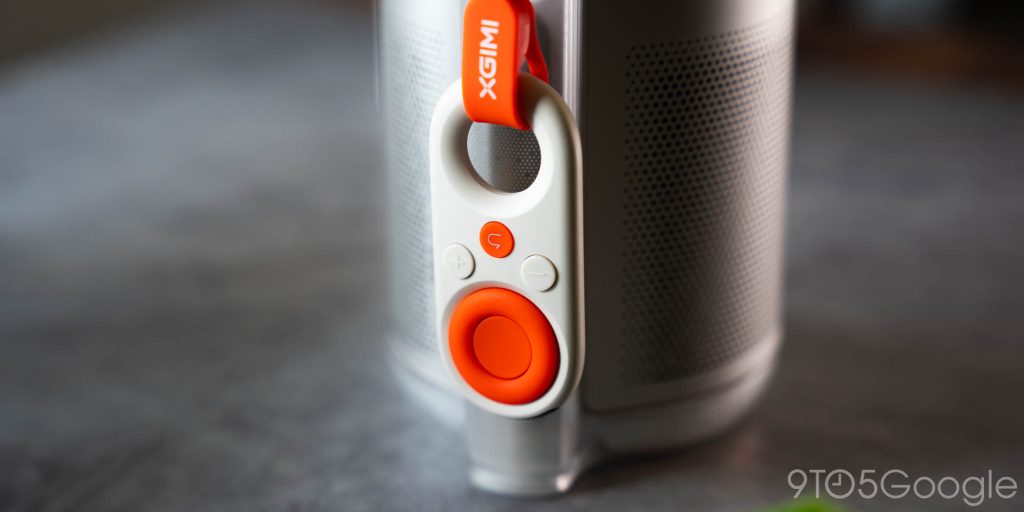
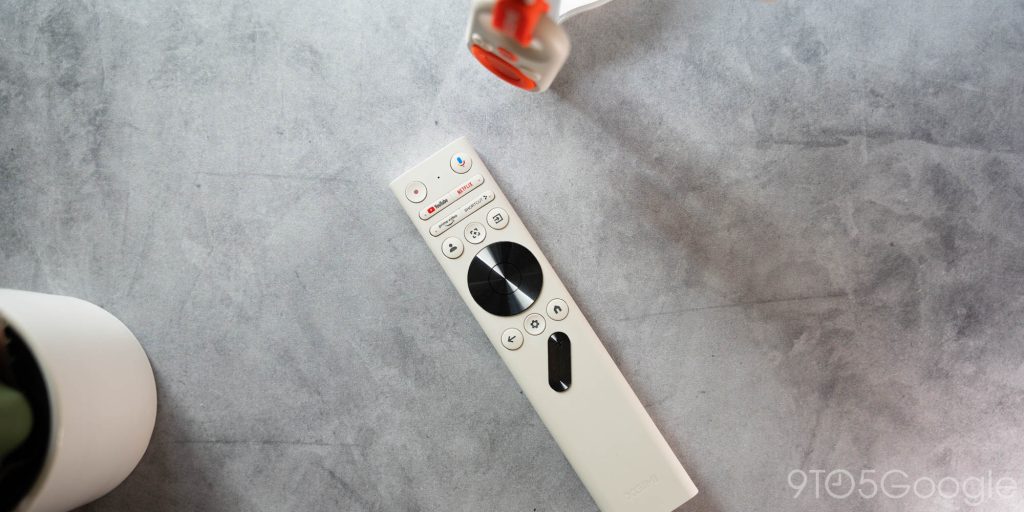
Both included remotes are built well, and the smaller basic one is adorable. Something about it makes me want to use it all the time, even though I’m a little limited. It even has a hook to keep it connected to the projector as it gets jostled around.
The projector itself is, as mentioned, built for going with you. It isn’t as compact as a laptop or handheld device, but it’s impressive Xgimi is able to get the form factor it did. Once closed up, it can be stowed or carried around.

Xgimi says that the Mogo 4 can act as a Bluetooth speaker in its compact mode, but Bluetooth pairing did not work for me. I tried for an hour before giving up. For what it’s worth, I’ve not seen anyone else with this issue. It just might be my unit….
Source link
Disclaimer
We strive to uphold the highest ethical standards in all of our reporting and coverage. We blogs.grocliq.com want to be transparent with our readers about any potential conflicts of interest that may arise in our work. It’s possible that some of the investors we feature may have connections to other businesses, including competitors or companies we write about. However, we want to assure our readers that this will not have any impact on the integrity or impartiality of our reporting. We are committed to delivering accurate, unbiased news and information to our audience, and we will continue to uphold our ethics and principles in all of our work. Thank you for your trust and support.
Website Upgradation is going on for any glitch kindly connect at [email protected]