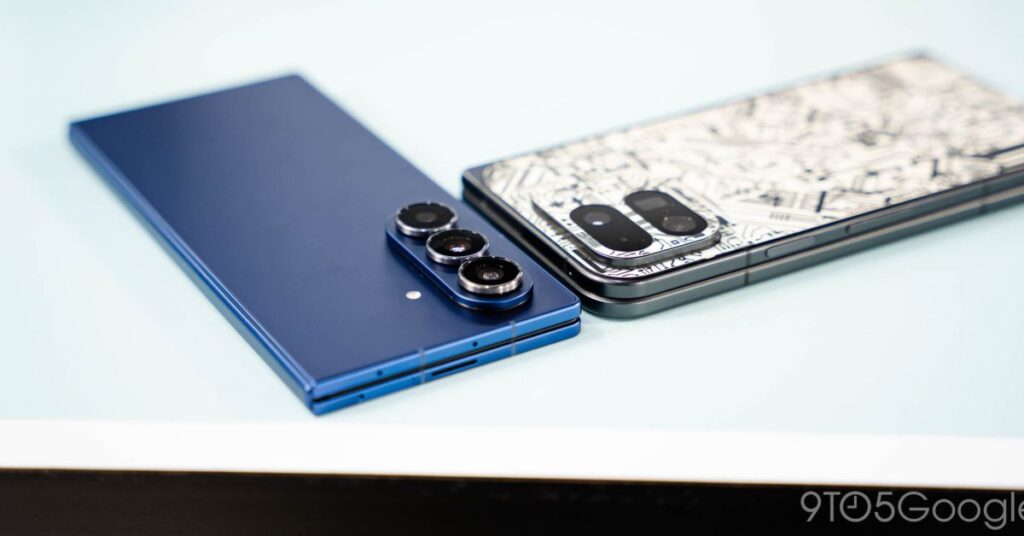

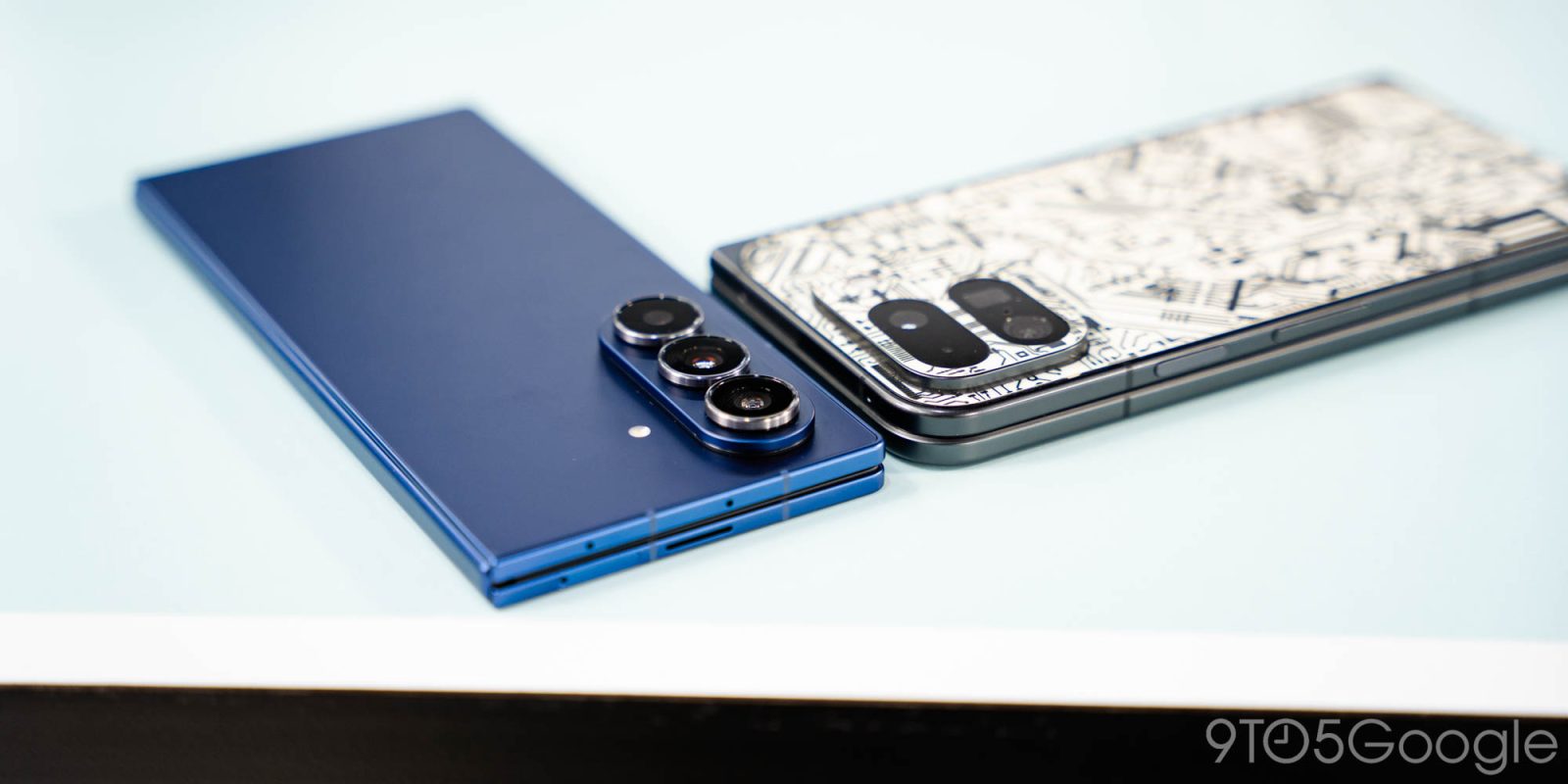
I’ve carried a Pixel as my daily smartphone for years now because, often, it just provides the experience I want the most. That said, I’ve always had a soft spot for Samsung’s foldables, and the Galaxy Z Fold 7 was finally enough to replace my Pixel as my main smartphone thanks to its drastically upgraded hardware and ever-improving software. But there’s one broken Android feature that continues to irk me.
This issue of 9to5Google Weekender is a part of 9to5Google’s rebooted newsletter that highlights the biggest Google stories with added commentary and other tidbits. Sign up here to get it delivered to your inbox early!
The differences between the Android experience on a Pixel and a Galaxy device have always been, and likely always will be numerous. But, in recent years, it’s felt more and more like every base is covered no matter what you choose – at least the most important ones. With Pixel, the things you always hear about being core points include Call Screen, a clean experience, and faster updates. And yes, those are all things I value out of my phone. But, in reviewing the Galaxy Z Fold 7 last month, I realized that I was missing those things far less than usual.
Samsung’s work over the past year on One UI has really closed the gap. Where I used to constantly feel like One UI was overly cluttered and almost overwhelming, the subtle changes in design and layout in One UI 7 and One UI 8 did a lot to make the experience feel better.
Combined with the always stellar hardware of high-end Galaxy phones, it makes for a compelling experience!
I was pretty tempted to keep using the Galaxy S25 Ultra after my review of that earlier this year, but my love for foldables kept the Pixel 9 Pro Fold as my daily driver. But the improvements in the Galaxy Z Fold 7’s hardware is really what pushed me across the finish line. On the whole, I haven’t really missed my Pixel yet. Things that felt foreign in years past on Galaxy such as the paginated app drawer, inconsistent camera performance, and more have mostly been solved. Without much modification, I can just use a Galaxy phone just like I use my Pixel.
That said, there’s a near-constant frustration that I can’t work around – notification history.
I’ve talked before about how Samsung, OnePlus, and other brands bury Android’s notification history feature, but it remains frustrating – infuriating, even – that Samsung has released two more Android updates in the time since without addressing this at all. Not only is notification history buried behind four layers of the Settings menu, but it doesn’t technically work. You can see all of your past notifications, sure, but you can’t do anything with them. Tapping on a notification simply opens the app, not the contents of that notification.
I’m sure for many, this isn’t all that relatable. Notification history isn’t the most…
Source link
Disclaimer
We strive to uphold the highest ethical standards in all of our reporting and coverage. We blogs.grocliq.com want to be transparent with our readers about any potential conflicts of interest that may arise in our work. It’s possible that some of the investors we feature may have connections to other businesses, including competitors or companies we write about. However, we want to assure our readers that this will not have any impact on the integrity or impartiality of our reporting. We are committed to delivering accurate, unbiased news and information to our audience, and we will continue to uphold our ethics and principles in all of our work. Thank you for your trust and support.
Website Upgradation is going on for any glitch kindly connect at [email protected]