

We previously spotted that the Google Home app was getting a redesign with “Ask Home” and it’s now beginning to roll out for iPhone users ahead of the October 1 announcement.
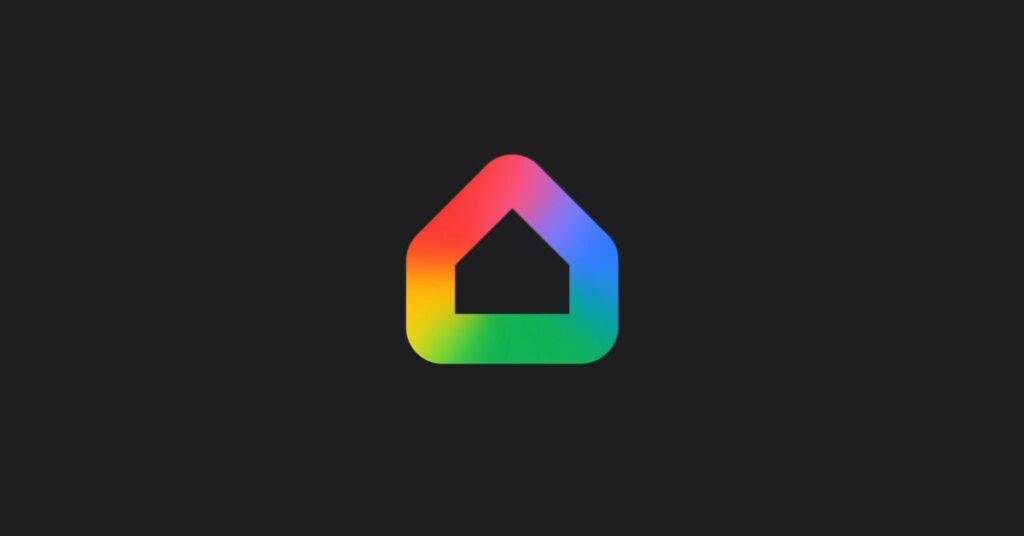
The company curiously released version 4.0.54 of Google Home for iOS on Saturday afternoon (PT). This introduces a more rounded icon with a gradient color palette, like the Google G and Gemini.
After swiping away the app and relaunching, we’re seeing a big redesign (we’re in the Public Preview program). On initial launch, there’s a glow animation around a new “Ask [Home name]” bar at the top of the app that appears on the three main pages. Tap the circle at the left to set Home or Away status.
Next up is the ‘plus’ (in a vertical pill) to Add: Device, Speaker group, Automation, Link app or service, Home member, and Home. This is joined by an account menu that lets you access Settings, which is identical to the previous tab. There’s also What’s new, Inbox, Switch home, Public Preview, Help, and Feedback.
Google has simplified the Home app to three tabs. Home features top tabs, starting with Favorites and Devices. You can swipe between the feeds, with your current selection a rounded rectangle and everything else a circle. The actual device tiles are unchanged, while the other top tabs are Cameras, Lights, Wifi, etc.
Save for new bottom bar icons, the Activity and Automations tabs have the same layouts. There are no changes to now playing controls.


Upon launching “Ask Home,” you have to “Acknowledge Gemini for Home disclosures.” You then get a chat UI with a carousel of device tiles that can be tapped to turn on/off or open the full control page.
Initially, the chatbot works as device search, with tiles, actions, and Automations appearing as you type.
More advanced prompts are not live yet, with the full redesign presumably launching on Wednesday after Google’s announcements: “Ask Home isn’t ready for your home yet, but you’ll get a notification once it is.”
Meanwhile, other things of note from Google’s Ask Home disclaimer page (emphasis ours):
- “The Gemini for Home voice assistant will be available to everyone in your household, including guests. Keep in mind that others in the home may be able to hear responses in shared spaces.”
- “Household members with Voice Match enabled will be able to search and view video history from compatible cameras or doorbells on smart displays, subject to subscription type. You can switch to audio-only camera history results for smart displays in your Gemini for Home voice assistant settings.”
- “With the Gemini Live feature, and for certain Gemini for Home queries on your device, the mic will remain active to easily allow follow-up queries without the need to say ‘Hey Google’ again. The mic will turn off after a brief period of inactivity…
Source link
Disclaimer
We strive to uphold the highest ethical standards in all of our reporting and coverage. We blogs.grocliq.com want to be transparent with our readers about any potential conflicts of interest that may arise in our work. It’s possible that some of the investors we feature may have connections to other businesses, including competitors or companies we write about. However, we want to assure our readers that this will not have any impact on the integrity or impartiality of our reporting. We are committed to delivering accurate, unbiased news and information to our audience, and we will continue to uphold our ethics and principles in all of our work. Thank you for your trust and support.
Website Upgradation is going on for any glitch kindly connect at [email protected]