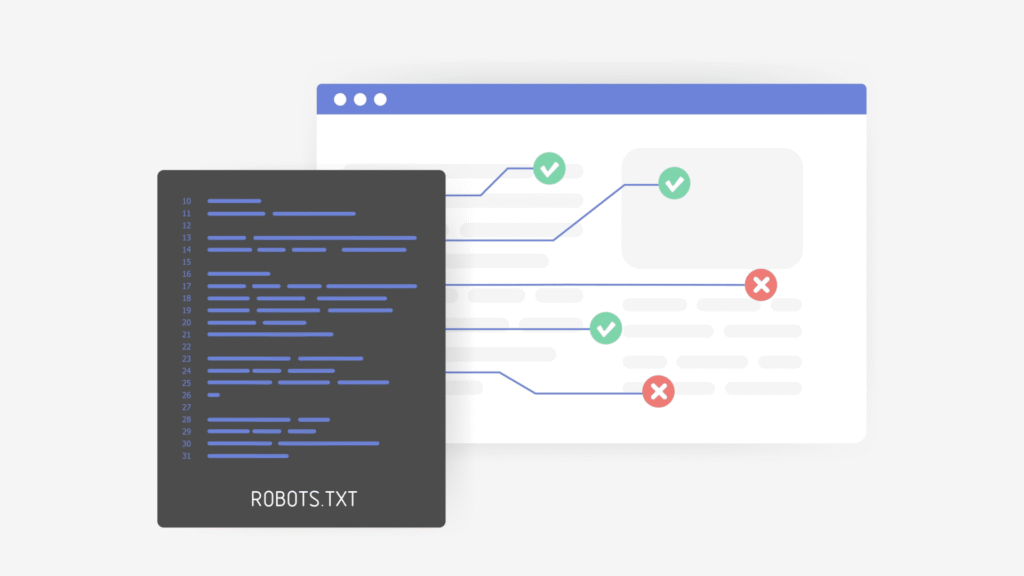

The Robots Exclusion Protocol (REP), commonly known as robots.txt, has been a web standard since 1994 and remains a key tool for website optimization today.
This simple yet powerful file helps control how search engines and other bots interact with a site.
Recent updates have made it important to understand the best ways to use it.
Why robots.txt matters
Robots.txt is a set of instructions for web crawlers, telling them what they can and can’t do on your site.
It helps you keep certain parts of your website private or avoid crawling pages that aren’t important.
This way, you can improve your SEO and keep your site running smoothly.
Setting up your robots.txt file
Creating a robots.txt file is straightforward.
It uses simple commands to instruct crawlers on how to interact with your site.
The essential ones are:
User-agent, which specifies the bot you’re targeting.Disallow, which tells the bot where it can’t go.
Here are two basic examples that demonstrate how robots.txt controls crawler access.
This one allows all bots to crawl the entire site:
User-agent: *
Disallow:
This one directs bots to crawl the entire site except the “Keep Out” folder:
User-agent: *
Disallow: /keep-out/
You can also specify certain crawlers to stay out:
User-agent: Googlebot
Disallow: /
This example instructs Googlebot not to spider any part of the site. It is not recommended, but you get the idea.
Using wildcards
As you can see in the examples above, wildcards (*) are handy for making flexible robots.txt files.
They let you apply rules to many bots or pages without listing each one.
Page-level control
You have a great deal of control over spidering if needed.
If you need to block only certain pages instead of blocking an entire directory, you can block just specific files. This gives you more flexibility and precision.
Example:
User-agent: *
Disallow: /keep-out/file1.html
Disallow: /keep-out/file2.html
Only the necessary pages are restricted, so your valuable content stays visible.
Combining commands
In the past, the Disallow directive was the only one available, and Google tended to apply the most restrictive directive in the file.
Recent changes have introduced the Allow directive, giving website owners more granular control over how their sites are crawled.
For example, you can instruct bots to only crawl through the “Important” folder and stay out of everywhere else:
User-agent: *
Disallow: /
Allow: /important/
It’s also possible to combine commands to create complex rules.
You can use Allow directives alongside Disallow to fine-tune access.
Example:
User-agent: *
Disallow: /private/
Allow: /private/public-file.html
This lets you keep certain files accessible while protecting others.
Since robots.txt’s default is to allow all, combining Disallow and Allow directives is generally not needed. Keeping it simple is…
Source link
Disclaimer
We strive to uphold the highest ethical standards in all of our reporting and coverage. We blogs.grocliq.com want to be transparent with our readers about any potential conflicts of interest that may arise in our work. It’s possible that some of the investors we feature may have connections to other businesses, including competitors or companies we write about. However, we want to assure our readers that this will not have any impact on the integrity or impartiality of our reporting. We are committed to delivering accurate, unbiased news and information to our audience, and we will continue to uphold our ethics and principles in all of our work. Thank you for your trust and support.
Website Upgradation is going on for any glitch kindly connect at [email protected]