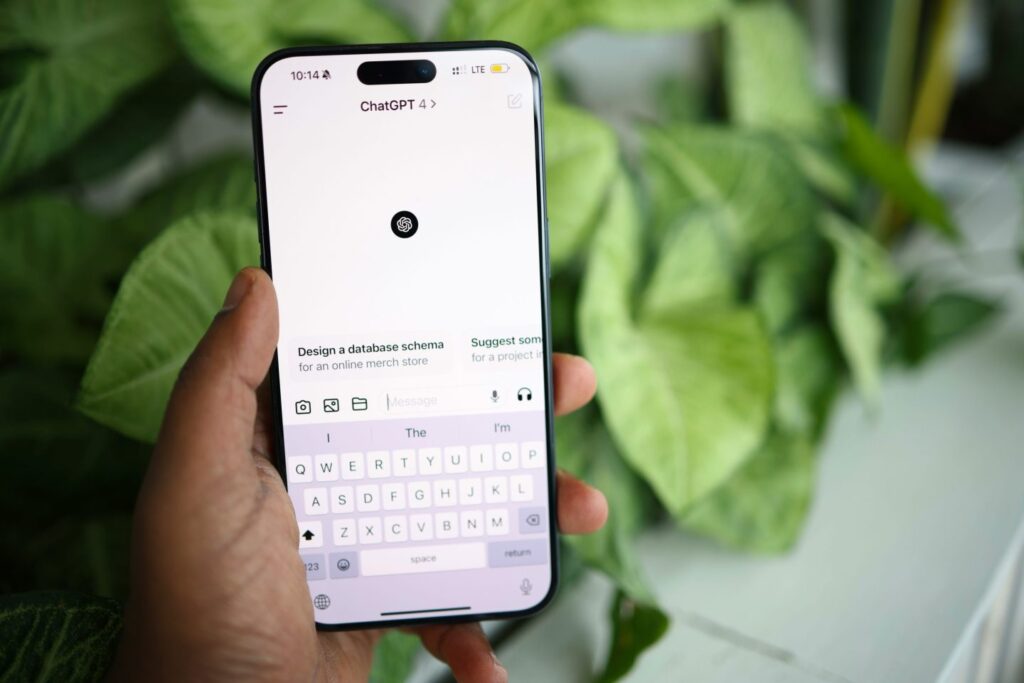

OpenAI has introduced group chats inside ChatGPT, giving people a way to bring up to 20 others into a shared conversation with the chatbot. The feature is now available to all logged-in users after a short pilot earlier this month, and it shifts ChatGPT from a mostly one-on-one tool to something that supports small-group collaboration.
OpenAI frames the update as a simple way to plan daily tasks with friends, family members, or coworkers, such as setting up a dinner, preparing a trip, or drafting an outline together. But the feature may have broader value for work teams that already use ChatGPT for brainstorming, research, and early project discussions.
How the feature works
A group chat begins when you select the “people” icon in the top-right corner of the ChatGPT app. The app creates a new shared space by copying your current conversation, and you can invite others by sending a link. That link can be shared again, allowing people to bring more participants into the discussion.
The first time a user joins or creates a group chat, ChatGPT asks them to set a name, username, and profile photo so the group can easily identify who is talking. OpenAI says ChatGPT has been trained to “go along with the flow of the conversation,” deciding when to respond and when to stay silent. If someone wants ChatGPT to add something directly, they can mention “ChatGPT” in their message. The model can react with emojis and use profile photos when creating personalised images.
A settings panel in the top-right corner of the screen lets users add or remove people, mute notifications, or provide custom instructions to ChatGPT. OpenAI notes that the model will not use memories from personal chats inside group conversations and will not create new memories based on group activity.
Group chats run on GPT-5.1 Auto, which chooses the response model based on the prompt and the options available to the user. Rate limits only apply when ChatGPT sends a message. The rollout follows the recent release of GPT-5.1 Instant and Thinking models, and earlier launches such as Sora, a social app for creating short videos.
How group chats may support real collaboration
While the consumer pitch focuses on casual planning, many of the challenges companies face stem from how people share ideas, review drafts, and coordinate across different roles. Group chats may help reduce some of that friction by giving teams a single space to talk with ChatGPT in the loop.
Aligning cross-functional teams
Large organisations often struggle to keep product, design, engineering, and marketing teams aligned, especially at the start of a project. Early ideas often get scattered across email threads and chat apps.
In a group chat, everyone can contribute in one place. If someone joins late or misses part of the discussion, ChatGPT can summarise the thread, identify open questions, or help turn the group’s notes into a structured plan. This may help teams move from early debate to action without losing…
Source link
Disclaimer
We strive to uphold the highest ethical standards in all of our reporting and coverage. We blogs.grocliq.com want to be transparent with our readers about any potential conflicts of interest that may arise in our work. It’s possible that some of the investors we feature may have connections to other businesses, including competitors or companies we write about. However, we want to assure our readers that this will not have any impact on the integrity or impartiality of our reporting. We are committed to delivering accurate, unbiased news and information to our audience, and we will continue to uphold our ethics and principles in all of our work. Thank you for your trust and support.
Website Upgradation is going on for any glitch kindly connect at [email protected]