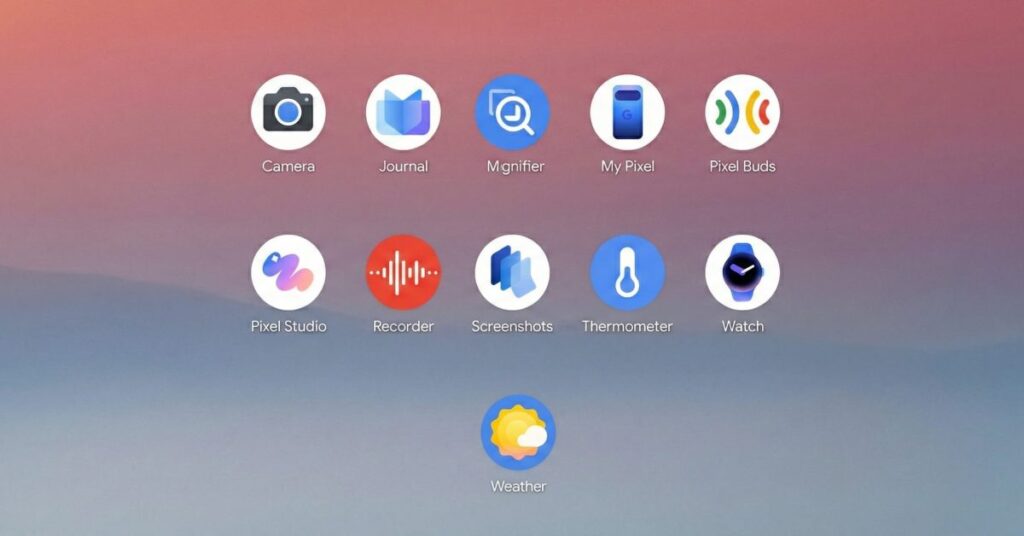

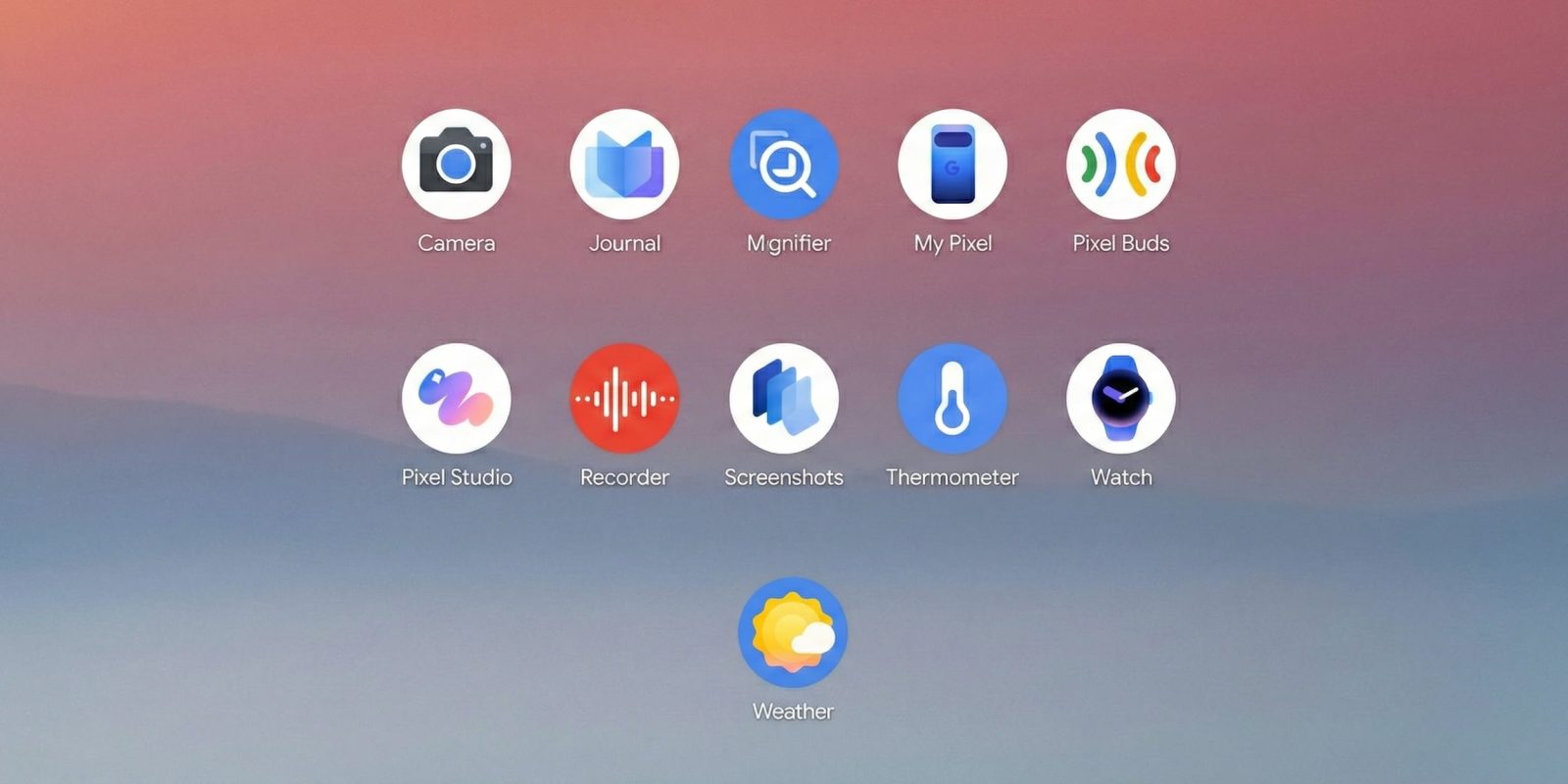
The portfolio of Pixel-exclusive apps grew in 2025 in a trend that will only continue as Google works to differentiate its experience. Notably, availability was not limited to just new devices.
New apps
Journal is Google’s new “app” for 2025. It launched on the Pixel 10 series before coming to the Pixel 8 and 9 a few months later. It follows Apple introducing a Journal app for iOS in 2023.
The core functionality of letting you write about what’s happening in your life is pretty straightforward, with Google opening the app to the journaling screen for immediate text entry being notable. Entries can have images, videos, Health Connect activity, and locations.
AI is leveraged to provide topic suggestions on what to write about based on past entries. It’s also used to provide “Insights” about patterns and progress in a dedicated tab.
Design-wise, there are a lot of Material 3 Expressive flourishes, though the tall bottom bar is outdated.
Pixel VIPs was introduced as a Feature Drop in June, but really deserved to launch alongside a new device, if not the flagships. It replaces the Contacts widget, with a tap bringing up a sheet over your homescreen that shows your last sent message and call, as well as a feed of other relevant details.
My Pixel is technically an update to the existing Pixel Tips app, but it’s a significant enough expansion to effectively be “new.” It starts with a custom icon that reflects your device in a blue-purple palette that might be the new standard for Pixel apps.
The app is for getting tips, support, and shopping. Bringing everything together is better than having users go to store.google.com or support.google.com through a browser. Overall, it evokes the idea that there’s a Pixel ecosystem of devices.
Built with M3 Expressive, there’s a tall bottom bar that somewhat suggests the decision to go short was made at the last minute.
Major updates
Of all the Material 3 Expressive redesigns here, I do think Recorder got the biggest overhaul in 2025. The clear goal was simplifying the app after years of adding new features. The homepage has a new tall search bar, with the major changes starting on the playback screen. Instead of the top bar featuring four buttons plus the three-dot menu, it’s now just favorites and the overflow.
Those actions, along with seven other options in the overflow, have been moved to a fullscreen sheet that features M3E containerization and other recording details at the top. The new playback screen is indeed simpler as a result, but you have to go to the sheet for everything. The live recording UI has been similarly updated.
As a relatively casual user of the app that only really records and listens back to the tape, the decision to pick favorites as the displayed action over search irks me. Otherwise, it is a nice modernization that…
Source link
Disclaimer
We strive to uphold the highest ethical standards in all of our reporting and coverage. We blogs.grocliq.com want to be transparent with our readers about any potential conflicts of interest that may arise in our work. It’s possible that some of the investors we feature may have connections to other businesses, including competitors or companies we write about. However, we want to assure our readers that this will not have any impact on the integrity or impartiality of our reporting. We are committed to delivering accurate, unbiased news and information to our audience, and we will continue to uphold our ethics and principles in all of our work. Thank you for your trust and support.
Website Upgradation is going on for any glitch kindly connect at [email protected]