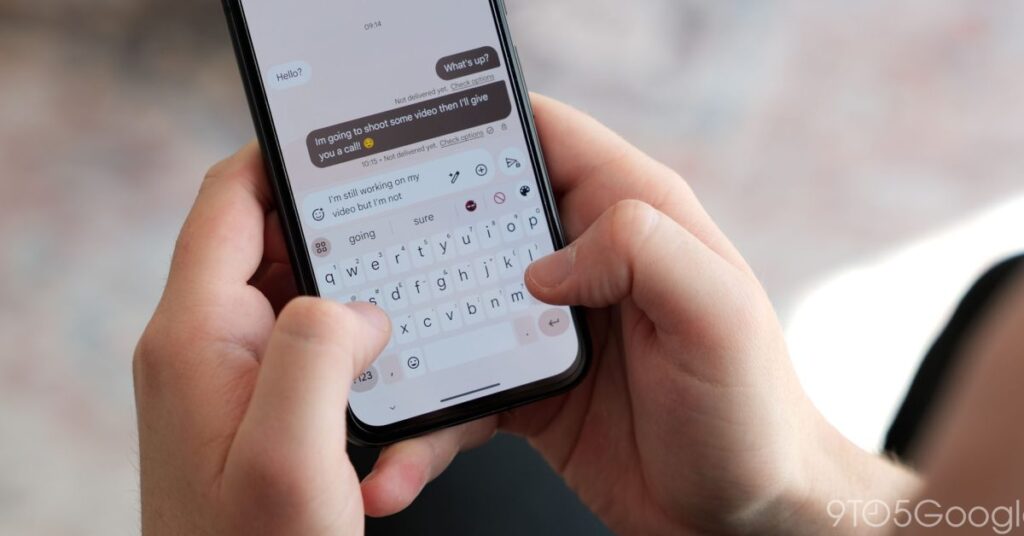


Besides a pill-shaped tweak for the Suggestion strip, Gboard’s next visual change is a dedicated keyboard Font size setting.
Update 10/15: This Gboard Font size setting is now widely rolling out with the stable version 16.0 release.
Original 9/1: Once available on your device, Gboard will display a “Keyboard font size updated” banner. Tapping the gear takes you to Settings > Preferences > Font size (under Appearance).
“Match System” is the default behavior, while there are increments that range from 85% to 200%. (The screenshots below are from a Pixel 10.) Besides the letters/numbers in each key, the tool icons in the above strip are also adjusted.
L-R: 85, 100, 115, 130, 150, 180, 200%
What increment you choose does not impact the size of emoji (just the category titles).
This lets you customize Gboard’s size independent of Android’s Display size and text (on Pixel) preference, with the adjustments a bit more drastic. So far, we’re seeing this on some devices running the latest Gboard beta (version 15.9). It’s not yet widely rolled out even in the preview channel.
100 vs. 200%


More on Gboard:


FTC: We use income earning auto affiliate links. More.
Source link
Disclaimer
We strive to uphold the highest ethical standards in all of our reporting and coverage. We blogs.grocliq.com want to be transparent with our readers about any potential conflicts of interest that may arise in our work. It’s possible that some of the investors we feature may have connections to other businesses, including competitors or companies we write about. However, we want to assure our readers that this will not have any impact on the integrity or impartiality of our reporting. We are committed to delivering accurate, unbiased news and information to our audience, and we will continue to uphold our ethics and principles in all of our work. Thank you for your trust and support.
Website Upgradation is going on for any glitch kindly connect at [email protected]