
If you head to Tools → Planning in Google Ads, chances are you’re clicking into Keyword Planner. Most advertisers stop there.
But two other planners sit in the same menu — often overlooked — that can directly influence how you forecast budgets, model performance shifts, and scale campaigns. Performance Planner and Reach Planner offer deeper insight into how spend changes affect your key metrics across channels.
Here’s a practical breakdown of how each tool works and when to use them to forecast growth more accurately.
Why Performance Planner matters for scaling search and display
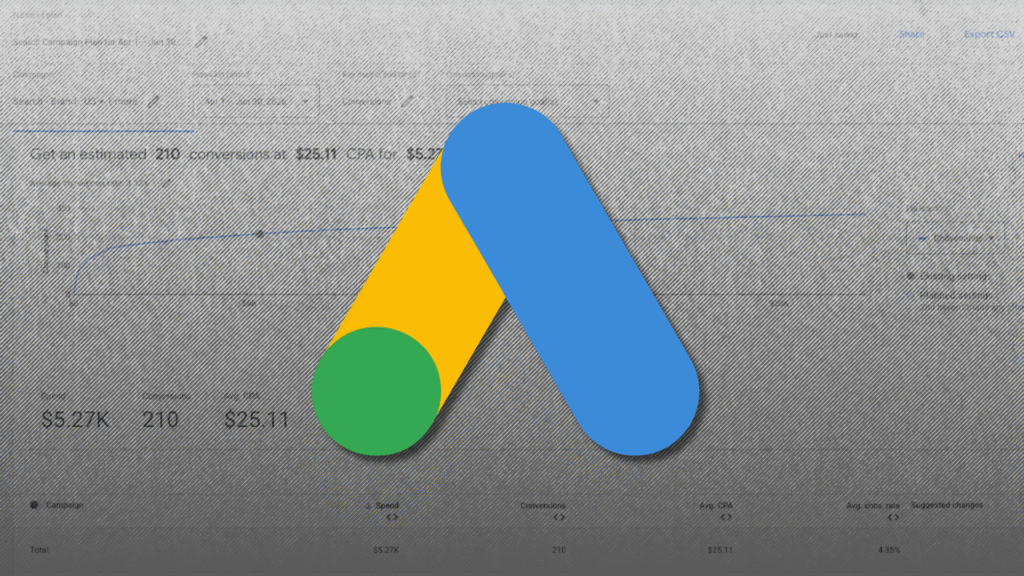
Performance Planner helps you model how metrics could change if you adjust ad spend across Search or Display.
Instead of reacting to performance, you can forecast how budget shifts may influence conversions, CPA, and overall spend before you make changes.
Performance Planner can be especially useful if you’re looking to forecast data or scale an account. It provides projections for existing campaigns based on prospective budget changes.
These forecasts are typically refreshed daily and are based on the last 7-10 days of data.
A more recent addition to the Performance Planner home screen is Suggested plans. Google indicates the potential impact of raising specific budgets or bids without requiring you to build a full plan.

How to create a new performance plan
To create a new plan, click Create new plan at the bottom of the page.

From there, a pop-up screen allows you to set the timeframe, dates, and channel. If multiple channels are represented in your account, you’ll see more than one option.
You can also select key metrics, including specific conversion goals, as well as a CPA, conversion, or ad spend target. Finally, choose the campaigns you want included in the plan.

Only eligible campaigns will appear. Google may propose a $0 budget for certain campaigns if it determines they aren’t efficient enough to justify continued spend.
Before building a plan, it’s important to understand which campaigns qualify.
Campaign eligibility and limitations to know
Eligibility criteria vary based on the channel a campaign runs on. Here are some of the requirements for Search and Shopping campaigns.
Search campaigns
- Bid strategy: Uses manual cost-per-click (CPC), enhanced CPC, max clicks, max conversions, max conversion value, target return on ad spend (ROAS), target cost-per-action (CPA) bidding strategies, or target impression share bidding strategies. Have not changed bid strategies in the last 7 days.
- Run time: Have been running for at least 72 hours.
- Recent clicks: Have received at least 3 clicks in the last 7 days.
- Conversion minimum: Have received at least 3 conversions in the last 7 days.
- Budget: Have a Search lost IS (budget) of less than 5% over the last 10 days (target impression share campaigns only).
Shopping campaigns (Standard)
- Bid strategy: Campaign isn’t…
Source link
Disclaimer
We strive to uphold the highest ethical standards in all of our reporting and coverage. We blogs.grocliq.com want to be transparent with our readers about any potential conflicts of interest that may arise in our work. It’s possible that some of the investors we feature may have connections to other businesses, including competitors or companies we write about. However, we want to assure our readers that this will not have any impact on the integrity or impartiality of our reporting. We are committed to delivering accurate, unbiased news and information to our audience, and we will continue to uphold our ethics and principles in all of our work. Thank you for your trust and support.
Website Upgradation is going on for any glitch kindly connect at [email protected]